

8 Best AI Detectors of 2026 (Free Options + What to Use for Quick Checks)
Introduction
AI writing tools are everywhere—ChatGPT, Gemini, Claude, and more. That makes AI detectors increasingly common in education, publishing, and marketing. But here’s the truth: AI detection is a signal, not proof. Different tools can disagree on the same paragraph, and false positives happen—especially with short or formal writing.
In this guide, we’ll review 8 widely used AI detectors in 2026, explain what AI detectors can (and can’t) tell you, and help you choose the right option for your workflow.
If you want a fast, no‑signup way to check short text, you can also try:
- Side Copilot AI Detector (Free, no signup) → https://www.sidecopilot.com/tools/ai-detector
- Fix flagged sections with AI Humanizer → https://www.sidecopilot.com/tools/ai-humanizer
- Install the Side Copilot extension (unlimited length + in‑page workflow) → https://chromewebstore.google.com/detail/side-space-ai-agent-resea/ipcmlnjbpgmnpahkkboglidcbkndekjj?hl=en
Quick Comparison: 8 Best AI Detectors of 2026
AI detectors don’t all behave the same. Some are stricter, some are more conservative, and most struggle with hybrid text (AI + human edits). Use the table below to choose based on your needs.
| AI Detector | Best for | Free access | Notable limits / notes |
|---|---|---|---|
| Side Copilot AI Detector | Quick checks + a “Detect → Humanize” workflow | Yes | No signup; 200–2048 characters per check on the web tool; extension removes max length |
| Copyleaks AI Detector | Teams, organizations, and structured reporting | Limited | Enterprise‑leaning workflows |
| GPTZero AI Detector | Education use cases + explainability | Limited | Popular in academic workflows; highlighting and analysis features |
| QuillBot AI Detector | Writers who also rewrite | Limited | Part of a writing suite; often paired with rewriting tools |
| Grammarly AI Detector | Mainstream users + trust | Limited | Strong brand trust; integrated writing ecosystem |
| ZeroGPT AI Detector | Very popular quick checks | Limited | Extremely visible in “free AI detector” searches |
| Sidekicker AI Detector | Academic audiences | Limited | Strong authority positioning; responsible‑use framing |
| Pangram AI Detector | Credibility / verification framing | Limited | Emphasizes methodology and trust |
Try a quick check now: https://www.sidecopilot.com/tools/ai-detector
What Is an AI Detector?
An AI detector is a tool that analyzes text to estimate whether it resembles AI‑generated writing. Many tools look for linguistic and statistical patterns like predictability, repetition, and sentence rhythm. The result is usually a probability or “AI‑likelihood” score.
Important: detectors are probabilistic. They can be useful, but they can’t reliably prove authorship in every case.
Why Use an AI Detector?
People use AI detectors for three practical reasons:
1) Quality review
AI drafts often contain repetitive phrasing, generic claims, or unnatural transitions. Detection can help you identify sections worth rewriting.
2) Compliance workflows
In some education and workplace settings, AI use has disclosure rules. Detectors are often used as one input in a review process.
3) Editorial consistency
Teams use detection as a signal to maintain a consistent tone and reduce “AI‑style” variation across content.
What AI Detectors Can (and Can’t) Tell You
They can help you:
- spot AI‑style patterns that weaken clarity and trust
- identify parts of a draft that may need rewriting
- speed up review for short excerpts
They can’t:
- prove authorship with certainty
- eliminate false positives
- replace human judgment, editorial review, or institutional policies
If you’re using detection in sensitive contexts, treat it as one signal—not a final verdict.
The 8 Best AI Detectors of 2026 (Quick Reviews)
1) Side Copilot AI Detector
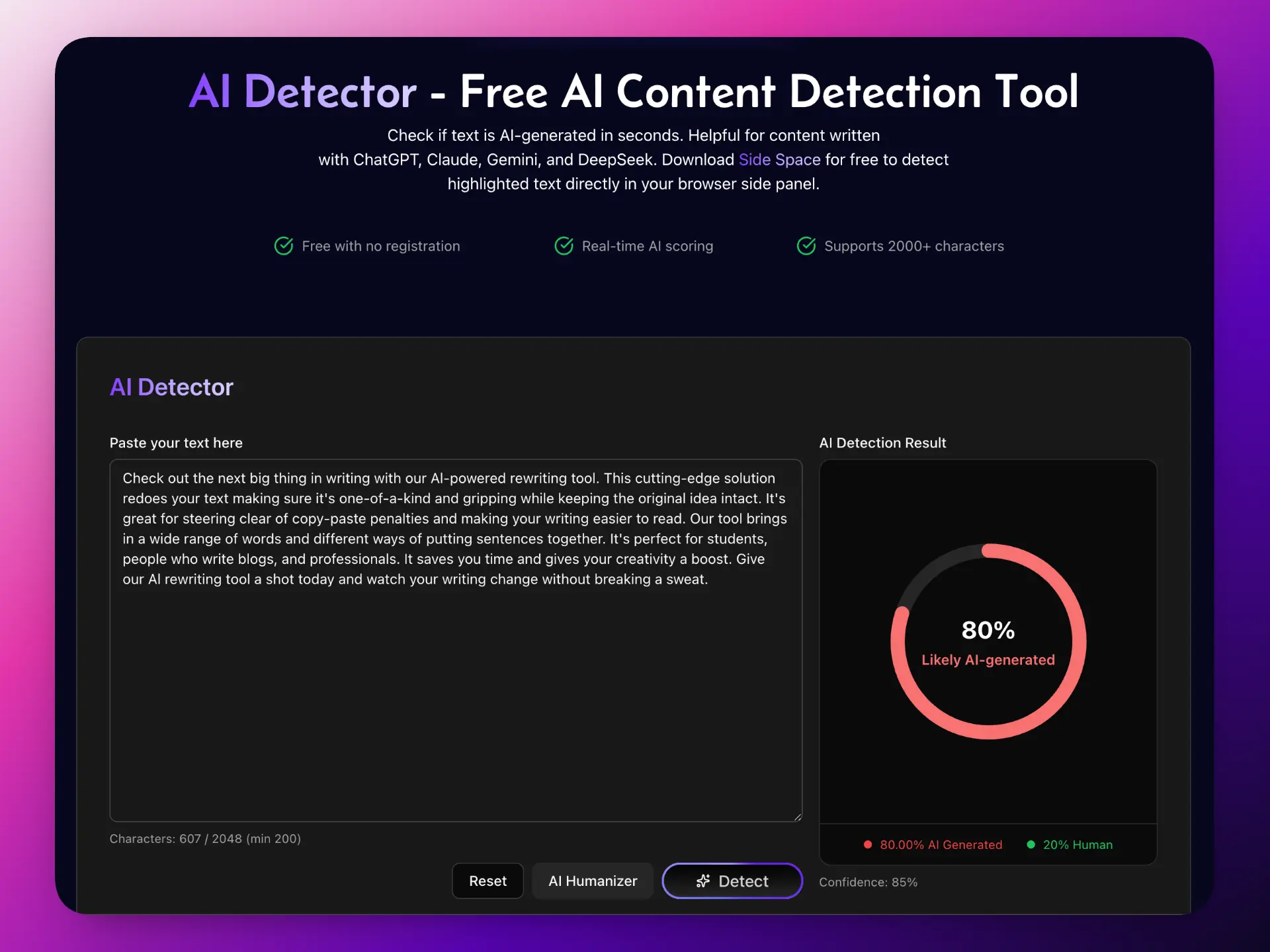
side copilot ai detector
Best for: quick checks + a simple workflow: Detect → Humanize → use
Why it’s practical:
- Free and no signup
- Clear limits for quick checks (200–2048 characters per check on the web tool)
- A built‑in next step: fix flagged parts with AI Humanizer
- The Side Copilot extension removes the maximum length and supports an in‑page workflow
Try it:
- AI Detector → https://www.sidecopilot.com/tools/ai-detector
- AI Humanizer → https://www.sidecopilot.com/tools/ai-humanizer
- Extension → https://chromewebstore.google.com/detail/side-space-ai-agent-resea/ipcmlnjbpgmnpahkkboglidcbkndekjj?hl=en
2) Copyleaks AI Detector
Copyleaks is commonly used by organizations and teams that need structured reporting. It’s a strong option if you’re evaluating many documents and want enterprise workflows.
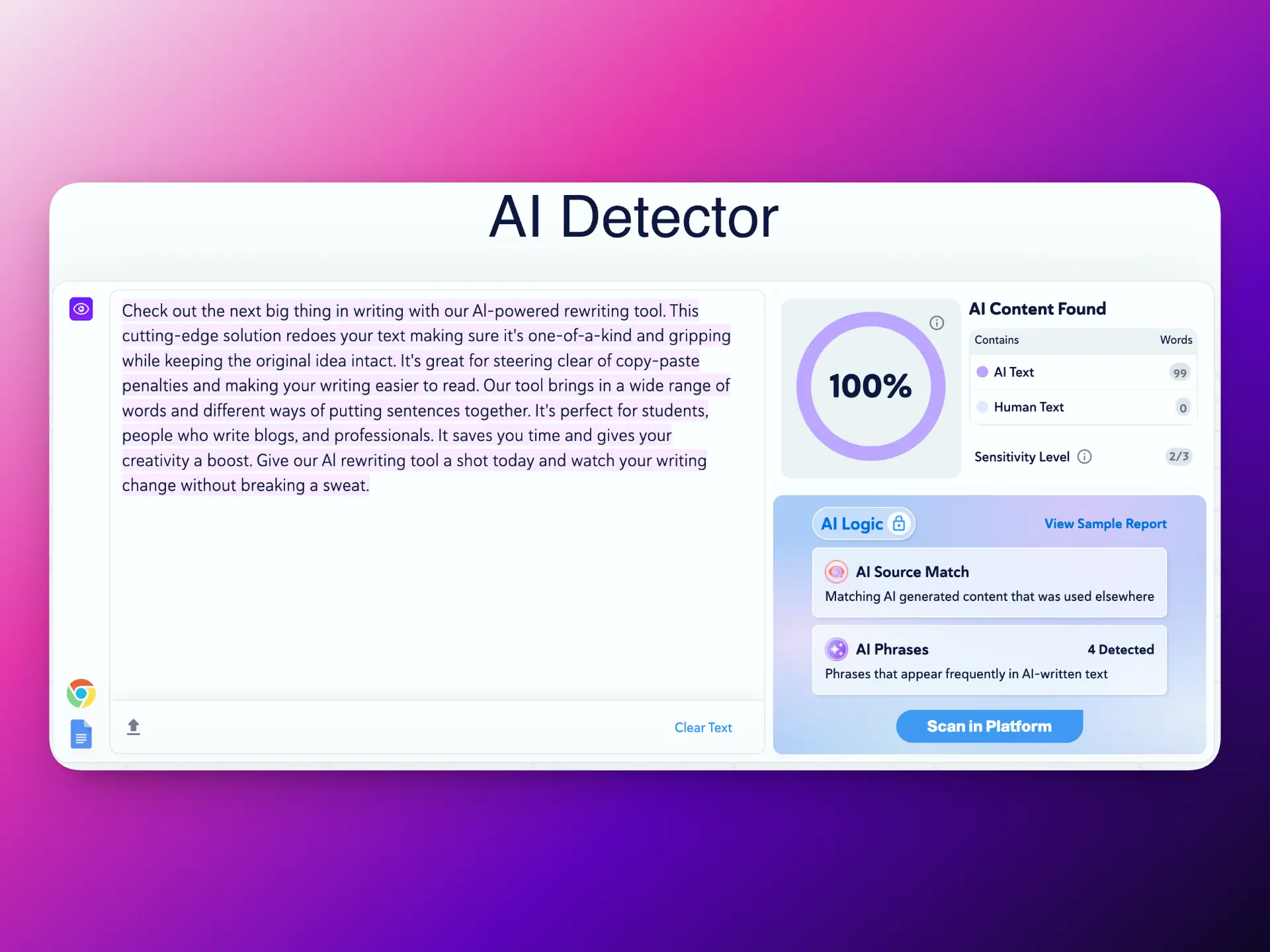
copyleaks ai detector
3) GPTZero AI Detector
GPTZero remains popular in academic settings. It often focuses on explainability (highlighting and analysis) and is widely referenced in education workflows.
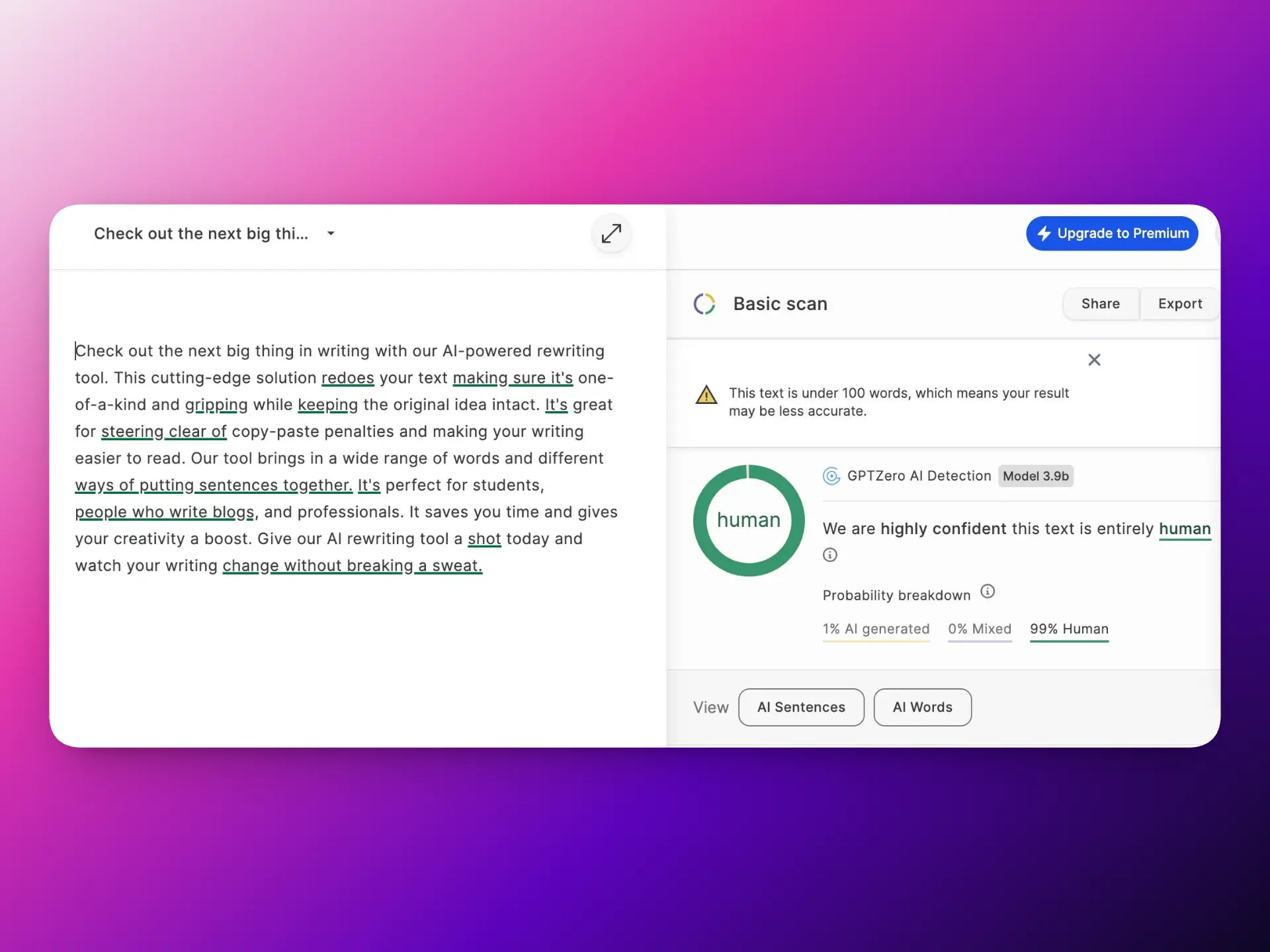
gptzero ai detector
4) QuillBot AI Detector
QuillBot is useful if your workflow includes rewriting. It’s often paired with paraphrasing/humanizing tools, which can help polish drafts and improve clarity.
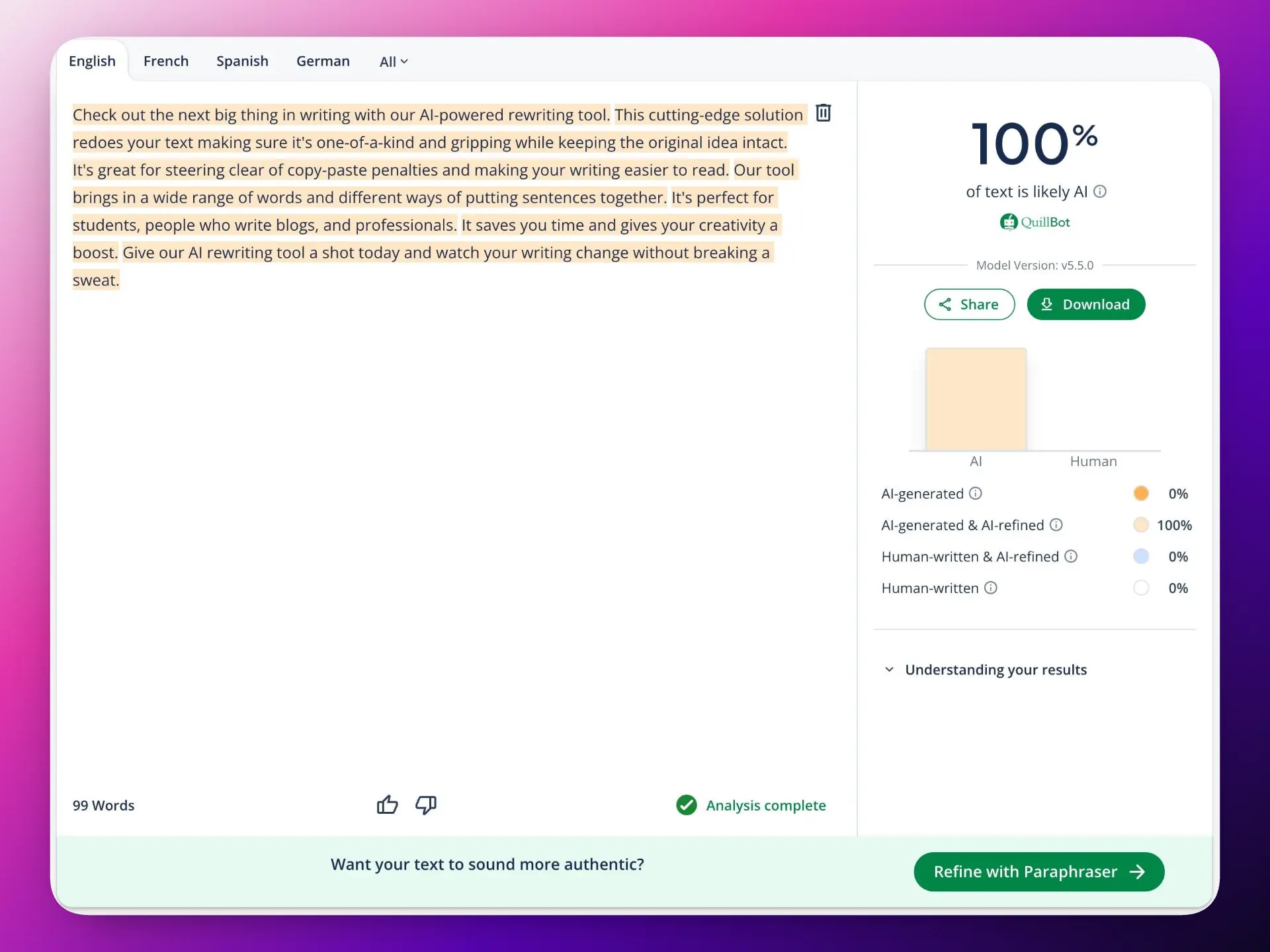
quillbot ai detector
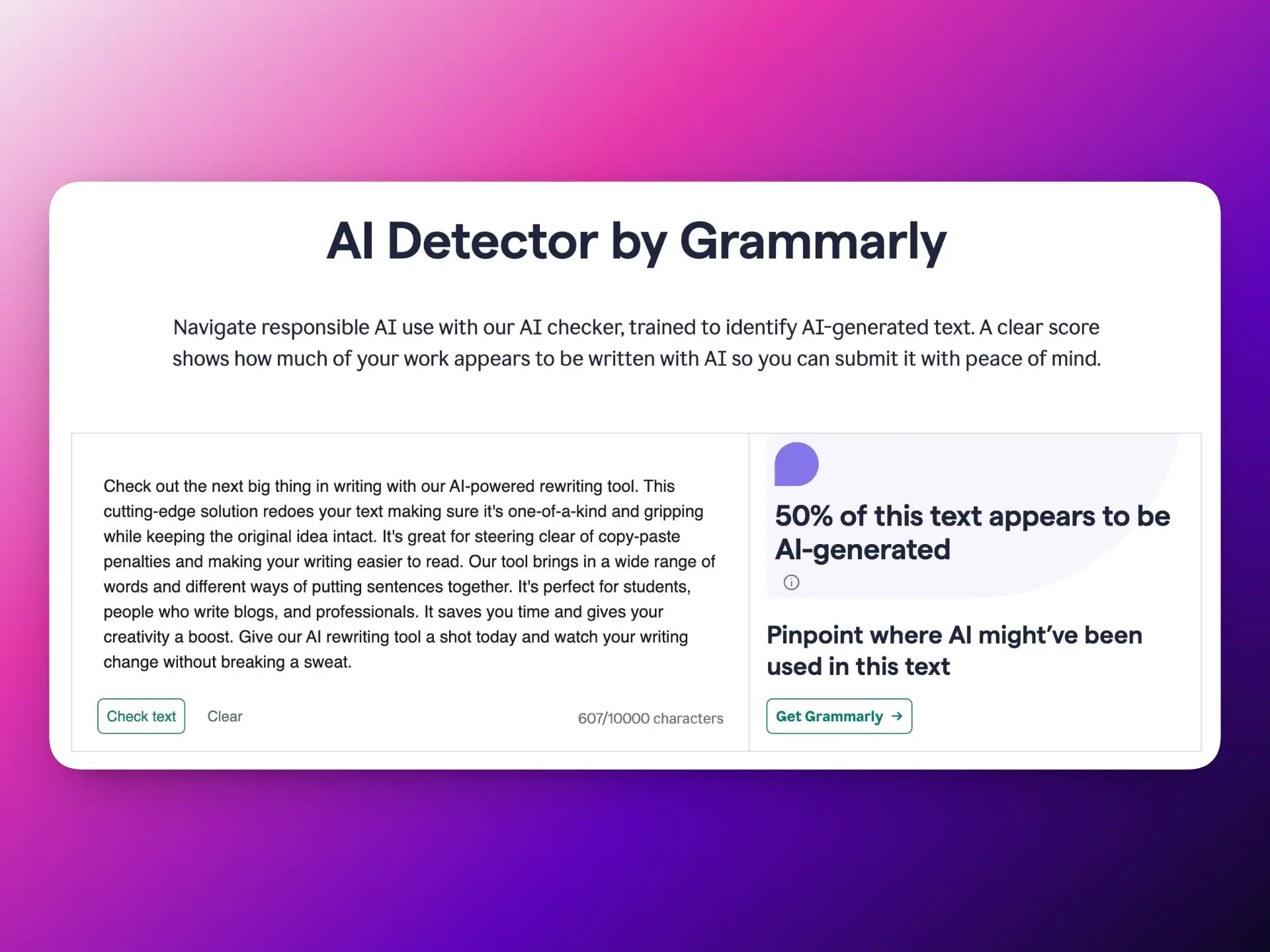
5) Grammarly AI Detector
Grammarly benefits from brand trust and a large user base. Good for users who want an integrated writing experience and familiar UI.
grammarly ai detector
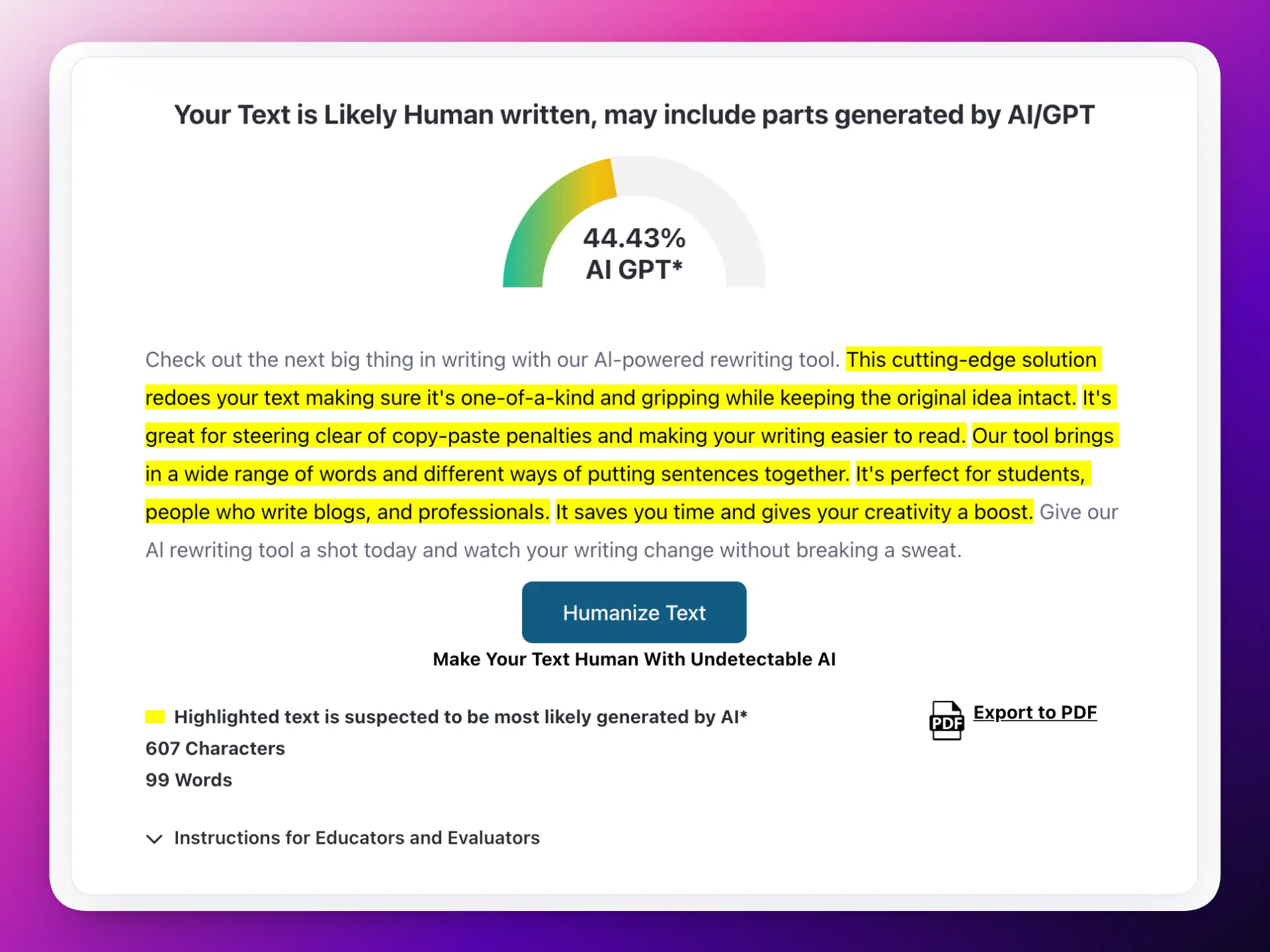
6) ZeroGPT AI Detector
ZeroGPT is extremely visible in search results for “free AI detector” type queries. It’s commonly used for quick checks, though results can vary depending on text length and editing.
zerogpt ai detector
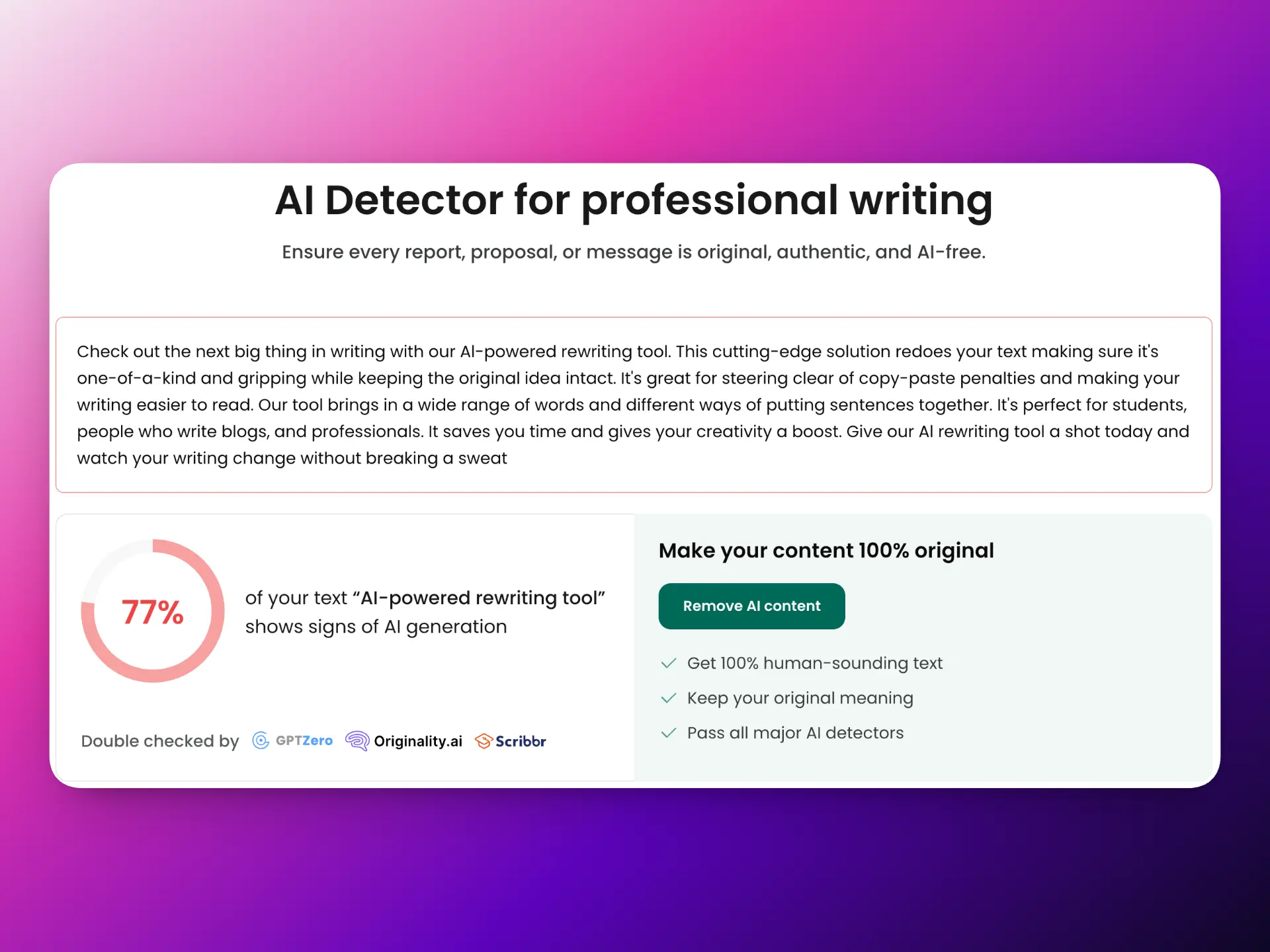
7) Sidekicker AI Detector
Sidekicker is a strong choice for academic audiences. Their content tends to emphasize proper interpretation and responsible use.
sidekicker ai detector
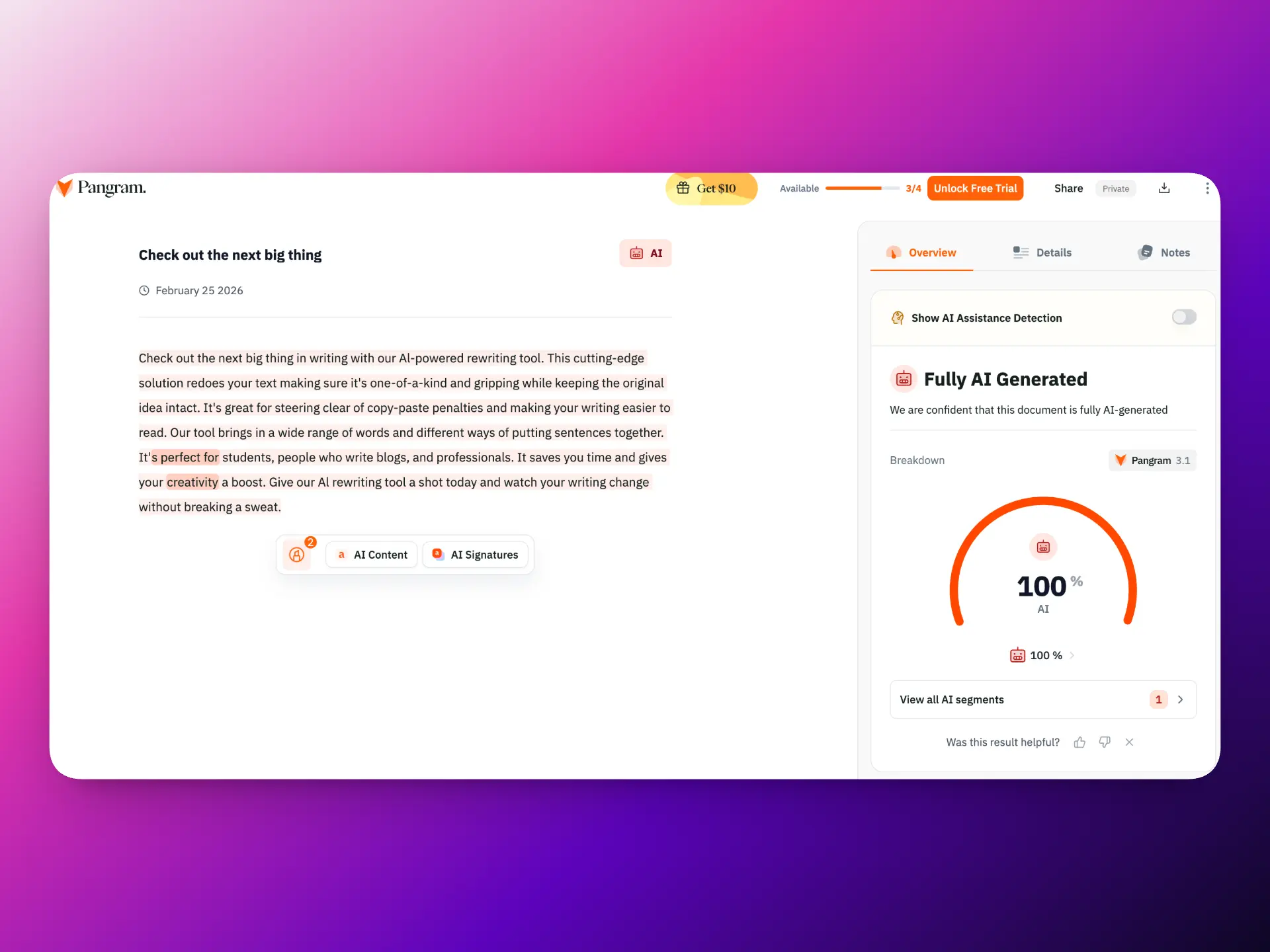
8) Pangram AI Detector
Pangram positions itself around credibility and verification. It’s worth trying if you care about methodology and trust framing.
pangram ai detector
How to Choose the Right AI Detector
Ask yourself:
Do you need speed or detailed reporting?
- Quick checks → use a lightweight tool
- Team workflows → choose a tool with reporting/collaboration
Do you want a “fix flagged text” step built in?
If yes, you want detection + rewriting in one flow:
- Detect: https://www.sidecopilot.com/tools/ai-detector
- Fix: https://www.sidecopilot.com/tools/ai-humanizer
Are you checking long documents?
Many free tools are optimized for short checks. If you need long‑form scanning, use a tool that supports longer input—or an extension/workflow that removes length limits.
A Practical Workflow: Detect → Fix → Publish
Detection is most useful when paired with rewriting:
- Paste a representative excerpt into an AI detector
- If it’s flagged, rewrite only the flagged parts (don’t blindly rewrite everything)
- Use a humanizer to improve flow and naturalness
- Review and publish
Recommended workflow:
- Detect with Side Copilot → https://www.sidecopilot.com/tools/ai-detector
- Humanize flagged parts → https://www.sidecopilot.com/tools/ai-humanizer
- Install the extension for unlimited length and in‑page workflow → https://chromewebstore.google.com/detail/side-space-ai-agent-resea/ipcmlnjbpgmnpahkkboglidcbkndekjj?hl=en
FAQ: AI Detectors in 2026 (Short)
Are AI detectors accurate?
They can be useful signals, but none are perfect.
Can detectors produce false positives?
Yes—especially on short, formal, or template‑like writing.
Should I use a detector as proof?
No. Treat it as guidance and review writing quality.
Conclusion
AI detectors are more common than ever in 2026, but the best way to use them is as part of a workflow—not as a final judge. Choose a tool that matches your needs: quick checks, team reporting, academic review, or integrated rewriting.
If you want a fast, no‑signup option with a clear “next step” to fix flagged text:
- Side Copilot AI Detector → https://www.sidecopilot.com/tools/ai-detector
- AI Humanizer → https://www.sidecopilot.com/tools/ai-humanizer
- Side Copilot Extension (unlimited length + in‑page workflow) → https://chromewebstore.google.com/detail/side-space-ai-agent-resea/ipcmlnjbpgmnpahkkboglidcbkndekjj?hl=en