

Best AI Humanizers of 2026 - 10 Tools to Humanize AI Text
AI writing is normal in 2026. What’s not normal is publishing drafts that still sound like AI—stiff phrasing, repetitive patterns, and that “robotic” rhythm readers immediately notice.
That’s why AI humanizers have become a standard step for creators, marketers, founders, students, and support teams: they help turn AI drafts into natural, readable writing.
If you want the quickest, no‑friction option:
- Side Space AI Humanizer (Free, no login) → https://www.sidespace.app/tools/ai-humanizer
- Install Side Space (no character limit + in‑page humanizing) → https://chromewebstore.google.com/detail/side-space-ai-agent-resea/ipcmlnjbpgmnpahkkboglidcbkndekjj?hl=en
Quick Comparison: 10 Best AI Humanizers of 2026
Not all humanizers are the same. Some do light polishing, others do deep rewrites. The best one depends on whether you want speed and control. Here are the best AI humanizers of 2026 for creators, marketers, students, and teams.
| AI Humanizer | Specialty | Advantages |
|---|---|---|
| Side Space AI Humanizer | In‑browser humanizing. Context-aware rewrites. | No‑login free tool. Extension removes limits. |
| Grammarly AI Humanizer | Conservative polishing. Professional tone cleanup. | High trust output. Meaning stays stable. |
| QuillBot AI Humanizer | Mode-based rewriting. Draft-to-final refinement. | Flexible control. Smooth readability gains. |
| HumanizeAI.pro | One-click humanizing. Quick natural phrasing. | Simple workflow. Fast results. |
| EssayHumanizer.io | Essay-style rewriting. Formal text smoothing. | Keeps structure. Reduces robotic cadence. |
| AIHumanize.io | General-purpose humanizing. Everyday copy rewrites. | Better transitions. Cleaner sentence rhythm. |
| HumanizeAI.io | Long-form consistency. Multi-paragraph rewrites. | Cohesive voice. Less repetition. |
| ZeroGPT AI Humanizer | Detection follow-up. “Fix flagged text” step. | Convenient workflow. Quick cleanup. |
| CleverHumanizer.ai | Fast rewrite output. Minimal configuration. | Easy to use. Rapid iteration. |
| Unaimytext AI Humanizer | Strong rewriting. Heavy AI-draft cleanup. | More distinctive phrasing. Helps break patterns. |
What Is an AI Humanizer?
An AI humanizer rewrites AI-generated text to sound more natural by improving:
- sentence rhythm and variation
- transitions and flow
- repetitive “AI tells” (generic phrases, overused patterns)
- clarity and readability
A good humanizer keeps your meaning intact while making the writing feel genuinely human and on-brand.
Why Use an AI Humanizer in 2026?
1) People can feel “AI writing” instantly
Even when grammar is correct, AI drafts often feel generic. Humanizing helps writing sound confident, specific, and readable.
2) Better clarity = better performance
Human-sounding writing performs better in emails, landing pages, support replies, and social posts, because it’s easier to trust and act on.
3) It’s the fastest way to polish drafts
Instead of rewriting from scratch, you rewrite what matters: intros and robotic sections.
The Fastest Workflow: Humanize → Review → Publish
The best humanizer is the one you’ll actually use consistently. Here’s a simple workflow:
- Humanize the draft (or just the sections that feel robotic)
- Review for meaning (make sure facts and intent stay correct)
- Add specifics (numbers, examples, brand voice)
- Publish
If you want speed:
- Humanize quickly here → https://www.sidespace.app/tools/ai-humanizer
- Remove the character limit + humanize in-page → https://chromewebstore.google.com/detail/side-space-ai-agent-resea/ipcmlnjbpgmnpahkkboglidcbkndekjj?hl=en
The 10 Best AI Humanizers of 2026
1) Side Space AI Humanizer
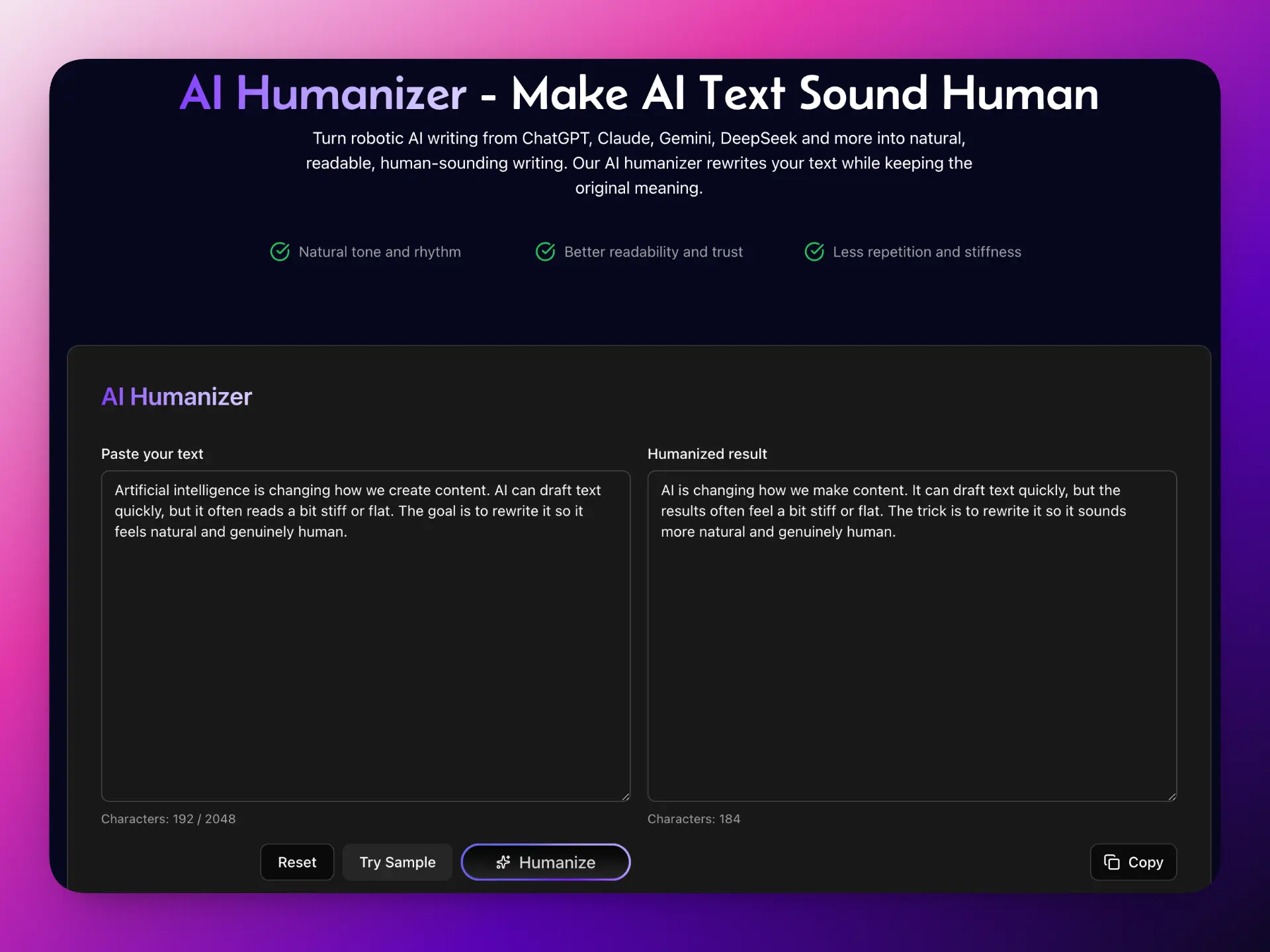
Side Space AI Humanizer tool interface
Why it’s practical:
- Free, no login and no usage limits on the web tool
- Clear limit: 2048 characters per run, no usage limits
- The extension removes the character limit and helps you humanize text directly from any webpage with context, “humanize while you browse” workflow (rewrite in context, not just paste-only)
Try it:
- Tool → https://www.sidespace.app/tools/ai-humanizer
- Extension → https://chromewebstore.google.com/detail/side-space-ai-agent-resea/ipcmlnjbpgmnpahkkboglidcbkndekjj?hl=en
2) Grammarly AI Humanizer
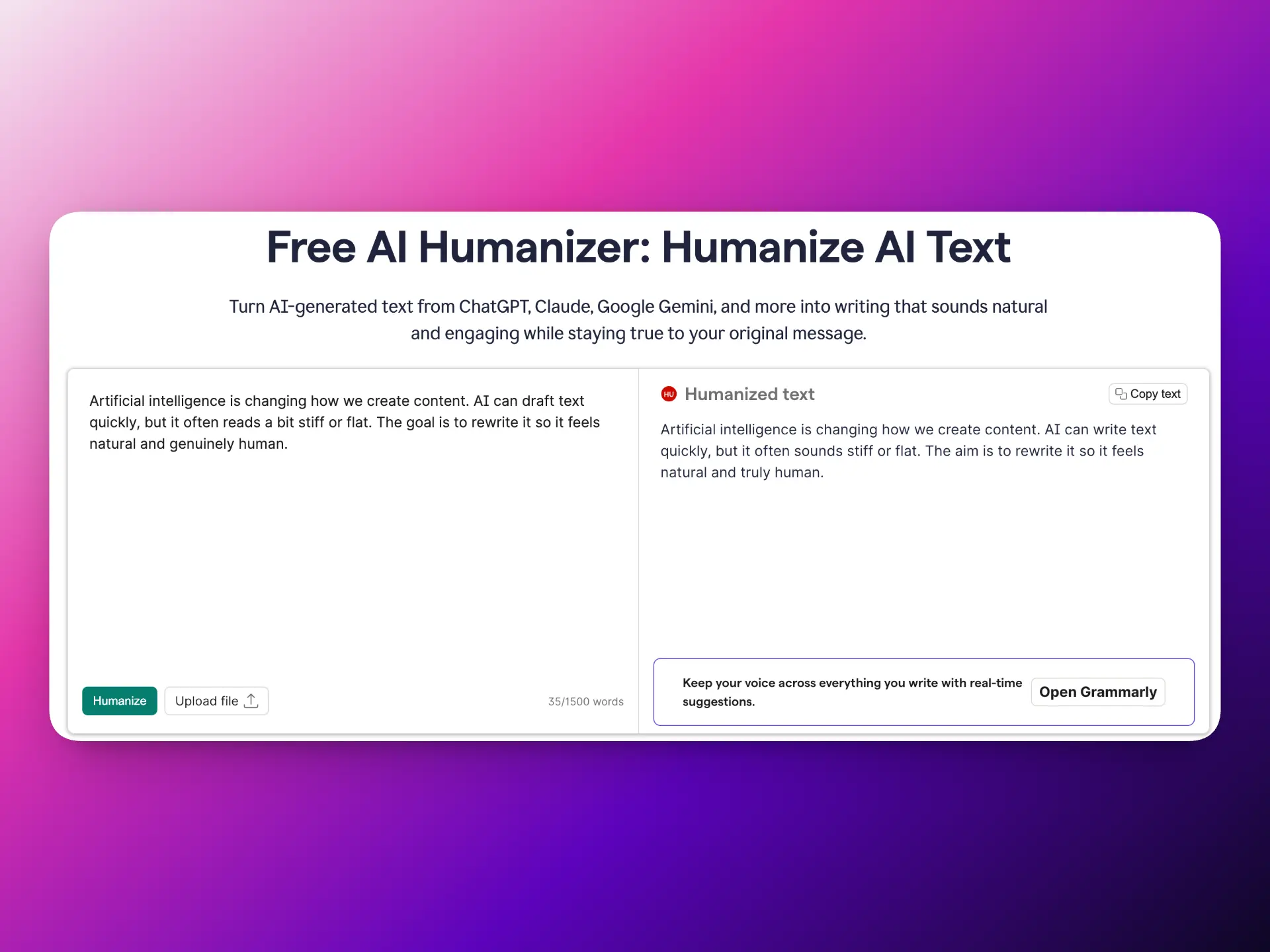
Grammarly AI Humanizer
Grammarly is best for users who want trusted, conservative rewriting, less “rewrite everything,” more “make it clearer and more natural.”
3) QuillBot AI Humanizer
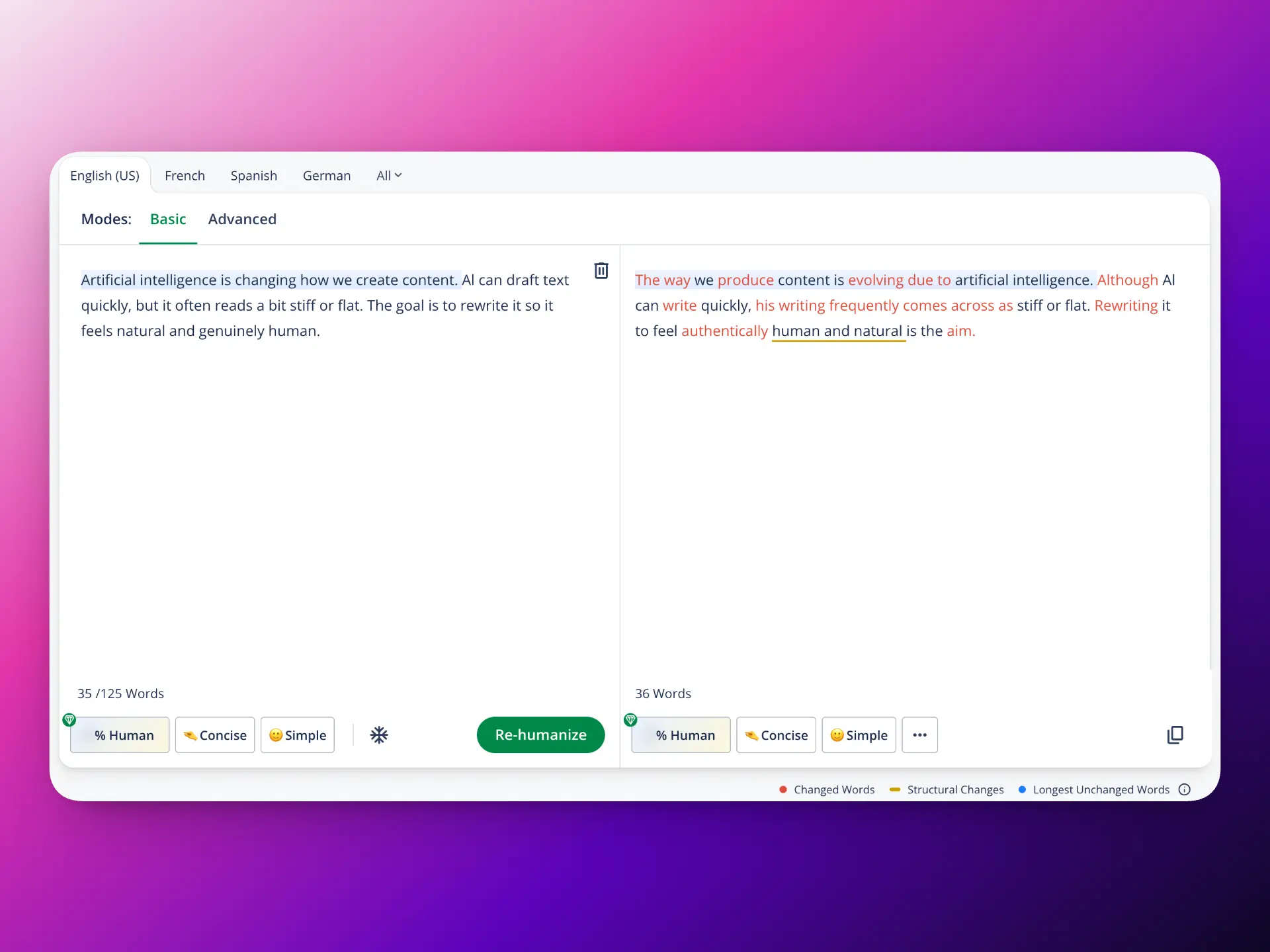
QuillBot AI Humanizer
QuillBot is a strong option if you want a polished UX and a writing-suite workflow. Many users like its “modes” approach and integrated tools. Good balance of readability and control, integrates well with broader writing workflow tools.
4) HumanizeAI.pro
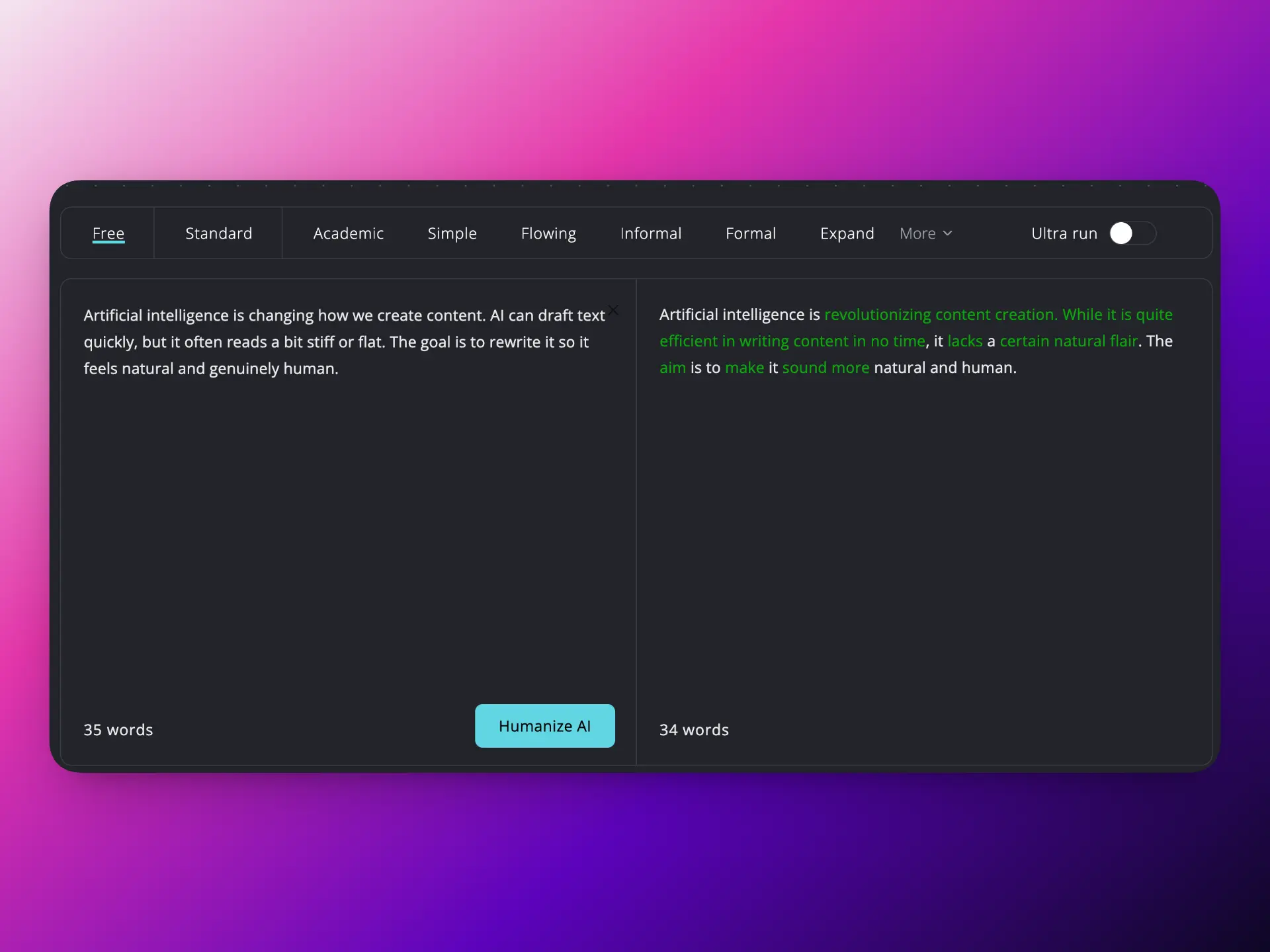
HumanizeAI pro
One-click humanizing for quick “make it sound natural” rewrites. Simple paste to rewrite flow; designed for speed; useful when you want a straightforward rewrite without learning settings or complex options.
5) EssayHumanizer.io
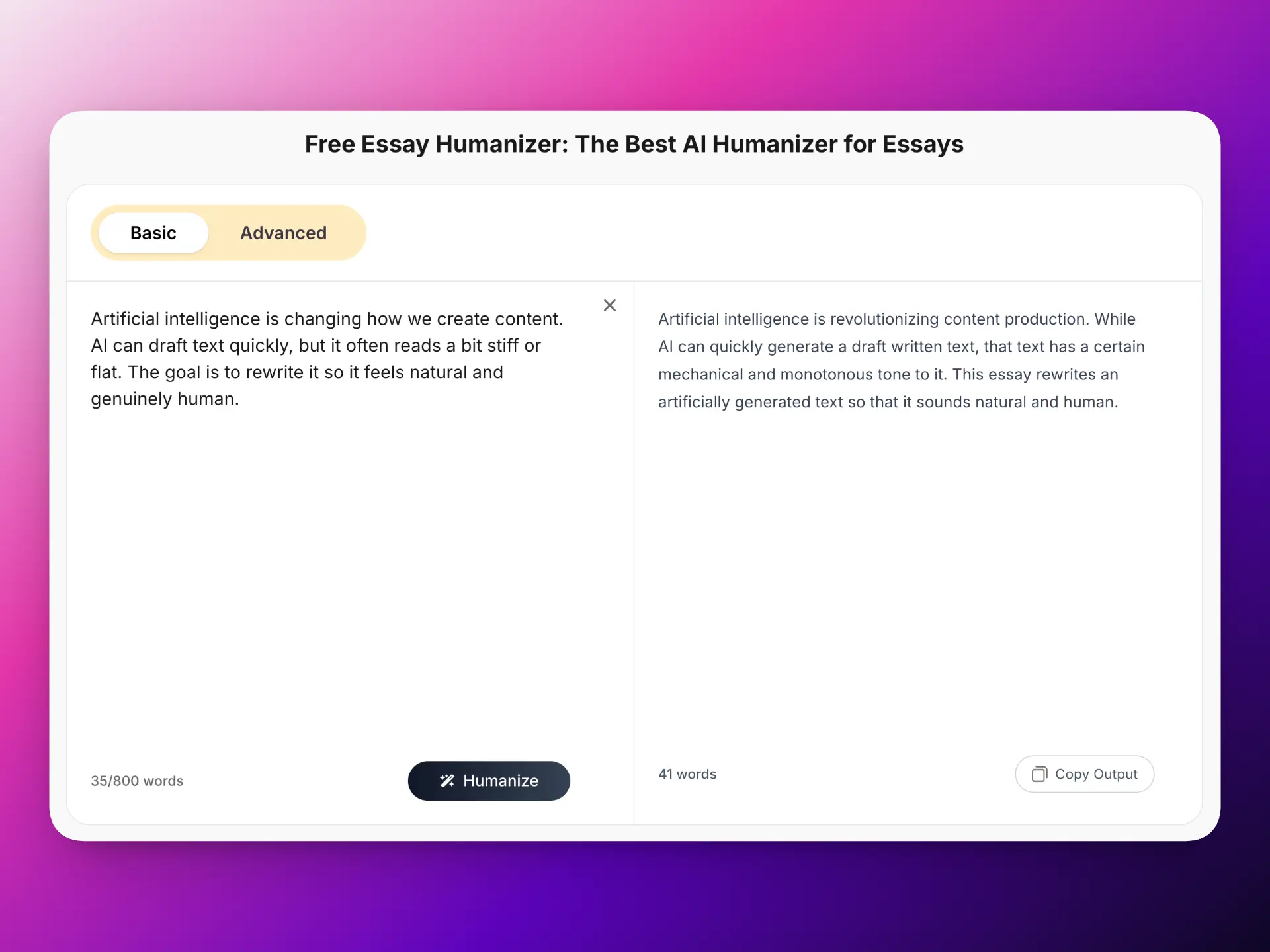
Essay Humanizer
Academic/essay-style rewriting (reduce robotic phrasing while keeping structure). Often suited to longer, structured paragraphs; focuses on making formal writing sound less templated; useful when you want to keep an essay-like tone but improve naturalness.
6) AIHumanize.io
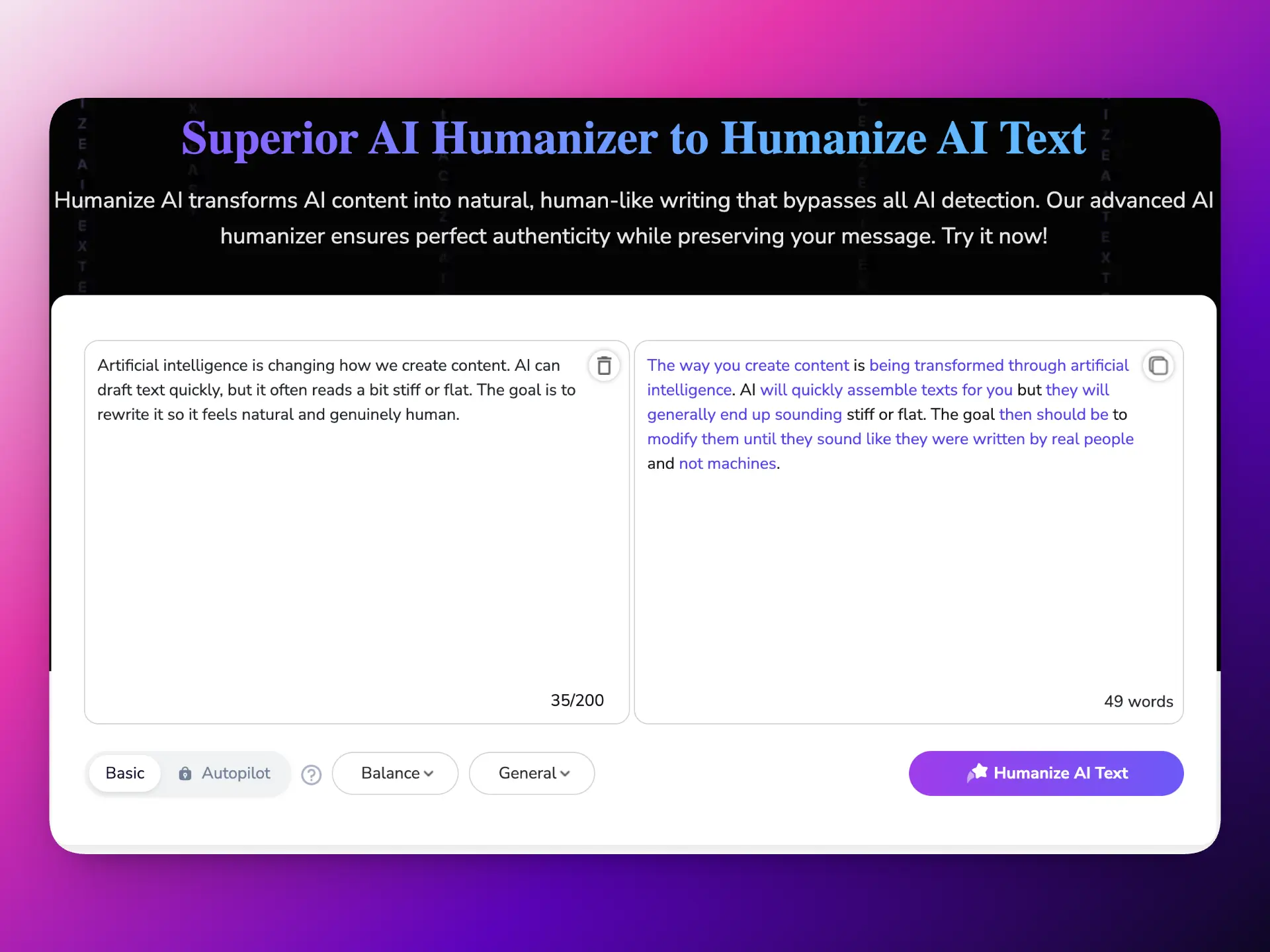
AI Humanizer
General-purpose humanizing for everyday copy (emails, blogs, landing pages). Emphasizes smoothing transitions and sentence rhythm; good for turning drafty AI text into more readable, publish-ready copy with minimal effort.
7) HumanizeAI.io
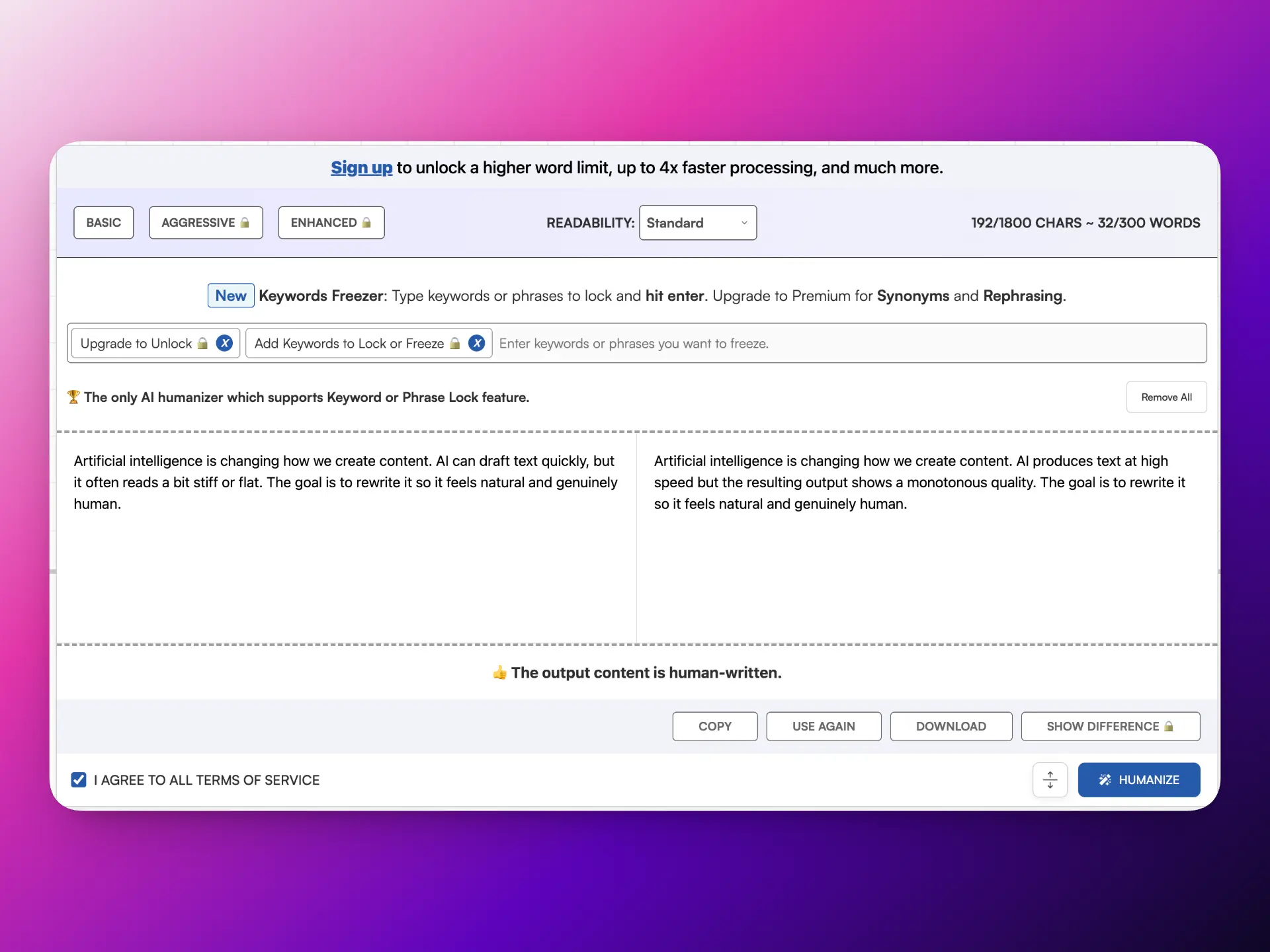
Longer-form rewriting when you need broader “human tone” consistency. Helpful for maintaining consistent tone across multiple paragraphs; useful for polishing long drafts so they read more naturally end-to-end.
8) ZeroGPT AI Humanizer
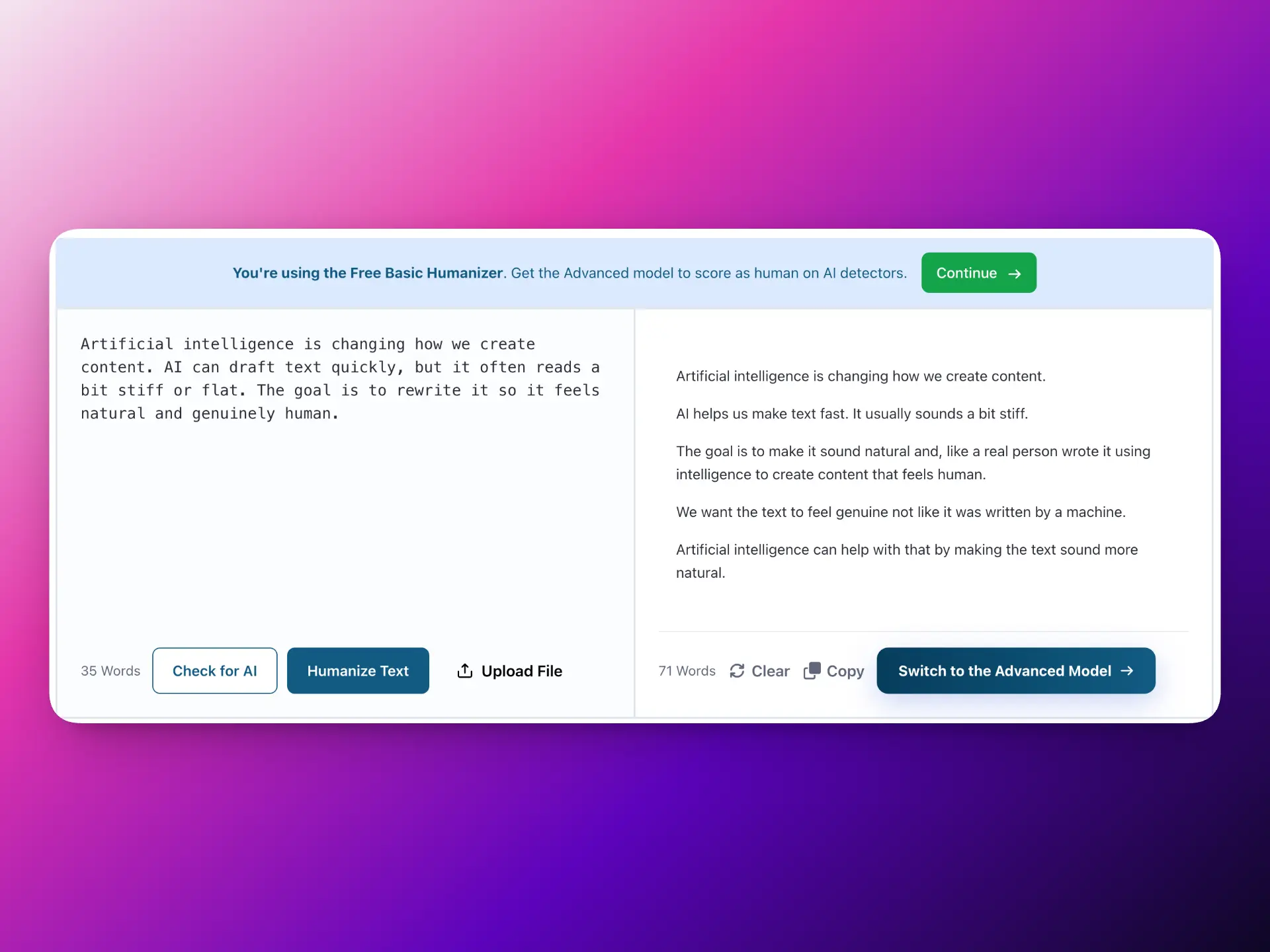
ZeroGPT AI Humanizer
Humanizing as a follow-up step to detection/checking workflows. Convenient if your process is “check → rewrite”; practical for quickly removing obvious AI tells after you’ve reviewed a draft.
9) CleverHumanizer.ai
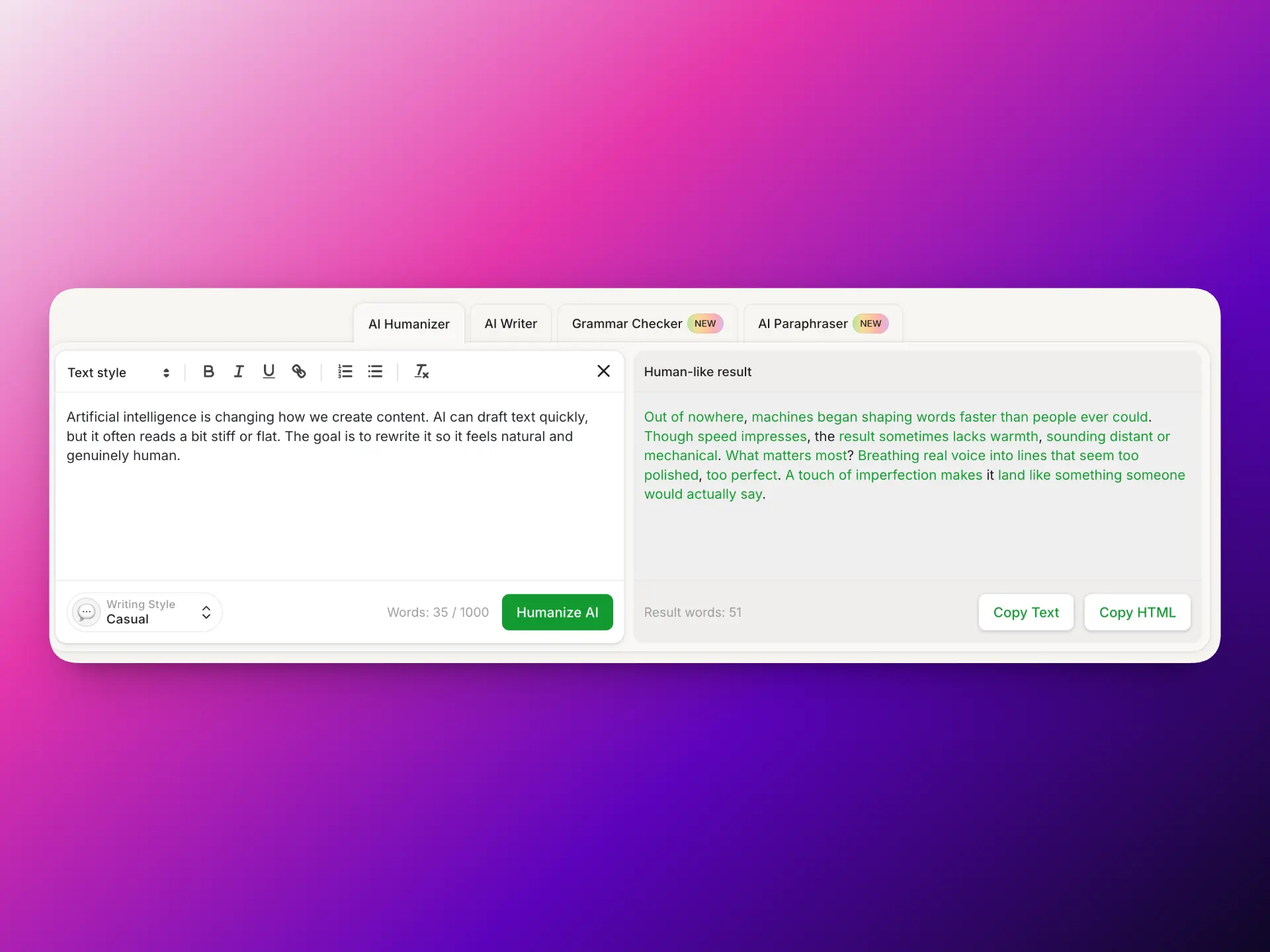
Clever Humanizer
Fast humanization with a “clean, simple output” focus. Quick results and easy UX; useful when you want readable rewrites without heavy configuration; good for rapid iteration across multiple drafts.
10) Unaimytext AI Humanizer
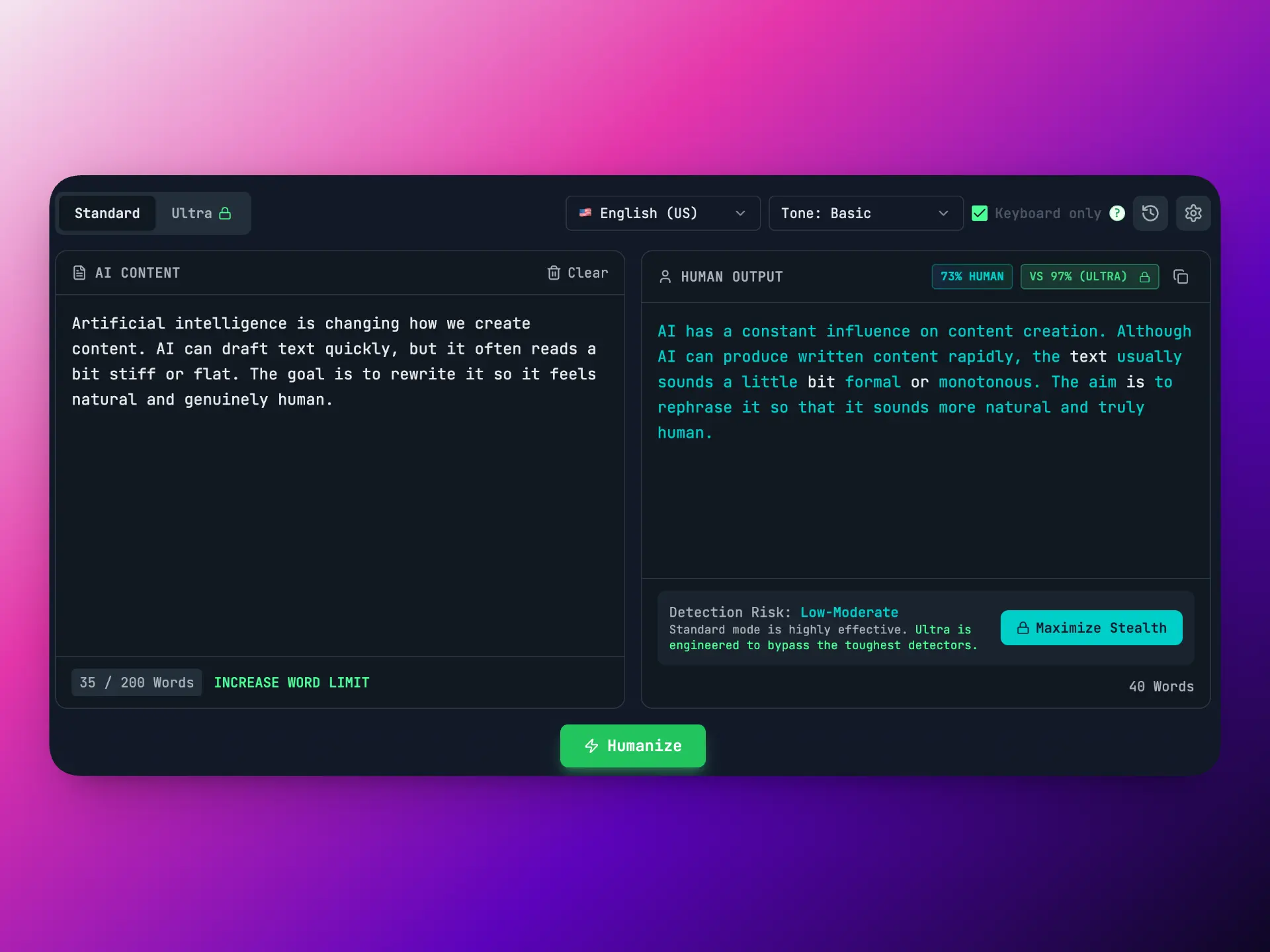
Unaimytext AI Humanizer
Aggressive “make it sound human” rewriting for heavily AI-styled drafts. Useful when a draft is extremely generic or repetitive; can produce more distinctive phrasing; best when you plan to review carefully to ensure meaning remains accurate.
How to Choose the Right AI Humanizer
Choose Side Space if you want:
- a free AI humanizer
- fast results for short drafts
- no character limit via extension
- in-page humanizing (less copy/paste, more context)
Start here:
- https://www.sidespace.app/tools/ai-humanizer
- https://chromewebstore.google.com/detail/side-space-ai-agent-resea/ipcmlnjbpgmnpahkkboglidcbkndekjj?hl=en
Choose QuillBot if you want:
- multiple modes + a writing suite in one place
Choose Grammarly if you want:
- conservative, trusted rewriting and clarity improvements
Practical Tips for Better Humanizing
- Humanize only the robotic parts (intro, conclusion, CTA, transitions)
- Add 1–2 specific details (numbers, examples, constraints)
- Shorten sentences that feel inflated
- Swap vague phrases (“innovative solution,” “unparalleled,” “cutting-edge”) for concrete claims
- Read it out loud, if it sounds like a press release, rewrite again
FAQs
- Is Side Space AI Humanizer free?
Yes. The web tool is free, no login, and has no usage limits. It supports up to 2048 characters per run. - How do I remove the character limit?
Install the Side Space Chrome extension to humanize longer text and rewrite directly in-page with more context. - Will humanizing change the meaning?
A good humanizer tries to preserve meaning, but you should always review the result—especially names, facts, and numbers. - What is an AI humanizer?
An AI humanizer rewrites AI-generated text to sound more natural by improving rhythm, transitions, readability, and reducing repetitive “AI tells.” - Should I humanize the whole article or only parts?
Often the fastest approach is humanizing the robotic sections first—intros, conclusions, transitions, and CTAs—then adding a few specific details.
Conclusion: The Best Humanizer Is the One You’ll Use Consistently
In 2026, the winning workflow isn’t “AI vs human.” It’s draft fast, polish smart.
If you want a fast humanizer with an upgrade path to unlimited length and in-page workflow:
- Side Space AI Humanizer → https://www.sidespace.app/tools/ai-humanizer
- Install Side Space extension → https://chromewebstore.google.com/detail/side-space-ai-agent-resea/ipcmlnjbpgmnpahkkboglidcbkndekjj?hl=en