
Side Space Changelog
What's New in 2.2.3 (2026-03-09)
New Features
- Added the new AI Humanizer tool to help rewrite AI-generated text into more natural, human-like writing.
- Improved the Side Copilot profile experience for a cleaner and more intuitive setup flow.
What's New in 2.2.2 (2026-03-05)
New Features
- Added the Read Bookmark tool so Side Copilot can better understand and work with your saved content.
- Improved onboarding for first-time users: you can now jump directly into Agent modes after installation.
What's New in 2.2.1 (2026-02-05)
Fixed
- Fixed an issue where the default panel could behave incorrectly in some cases.
New Features
- Added office document processing support for LLM workflows.
- Expanded file support to include PDF, TXT, CSV, and PNG.
- Introduced the first version of Select File.
What's New in 2.2.0 (2026-01-01)
New Features
GroqProvider supported for BYOK.Together AIProvider supported for BYOK.- You can decide whether the Tool can be
auto-runor not. - You can decide whether to
acceptorrejectthe result of the Agent's execution. - New settings page
Fixed
- Fixed the floating Side Space Trigger button; it can now be closed and reopened from the configuration.
- Fixed the toast notification; it can now be dismissed by the user.
What's New in 2.1.2 (2025-12-28)
- Added "Save All Tabs to Space": Quickly save and organize all your open tabs in one click.
Multiple Tabs supportis here: Manage several tabs at once, making your workflow more efficient.- New trigger button: Instantly open or hide the Side Space sidebar with a single click.
- Mind Map Message: You can ask copilot for generate a mindmap for you.
- Various stability, styling, and bug improvements for a smoother, more reliable experience.
What's New in 2.1.1 (2025-12-22)
- Brand new Chat History panel: View and manage your past conversations with ease.
- Added alerts for group deletion and space switching—never lose progress by accident!
- YouTube video tool: Manage YouTube content right inside Side Space.
- AI Provider setting moved to the bottom for a cleaner look.
- Keyboard shortcuts: Get things done faster with handy shortcuts.
- Improvements and fixes throughout for a better overall experience.
- OpenAI Provider supported for BYOK.
What's New in v2.0.0 🎉 (2025-11-26)
We’re excited to introduce Side Copilot, an AI assistant built directly into your browser’s side panel and helps you browse smarter.
New Features
- 🤖 Chat with your Open Tabs
Side Copilot's chat mode knows your context of your open tabs, Ask about anything about open tabs.
- 🤖 AI Agent takes actions for you
Side Copilot's agent mode can take actions to automate your browser, it handles your browser like grouping tabs, manage windows, search the browser history, research topics and much more.
- 🌍 Now supports multiple languages
Side Space now supports multiple languages, including English, Chinese, Japanese, Korean, Thai, Spanish, French, German, Portuguese, Russian.
Fix
- 🐛 Fixed the search for pinned tabs
What's New in v1.2.2 🔥
A slight change, yet impactful.
New Features
- ✅ Move “New Tab” actions to top of unpinned tabs
- ✅ Add “Move Tab to New Window” Feature
- ✅ Add “Move Ungrouped Tabs to New Window” Feature
- ✅ Auto Merge the same group when Grouping by AI
Fix
- 🐛 Fixed rename group bug when typing “B”
What's New in v1.2.0 🎉
We support Drag and Drop for Tabs, Tab Groups, and Pinned Tabs now.
At the same time, we made trade-offs in using gestures to switch Spaces.
New Features
- ✅ Drag and Drop to reorder the pinned tabs
- ✅ Unpin tab
- ✅ Close unpinned tabs
- ✅ Drag and Drop to reorder the tabs/tab groups
- ✅ Rename group from context menu
- ✅ Improve the icon of suspended tabs
- ✅ Improve the UI of tree layout for displaying the tab groups
Fix
- 🐛 Fixed the bug of pin tab only can pin current tab
Remove
- ❌ Touch gestures to swipe between Spaces
Release v1.0.0 🎉
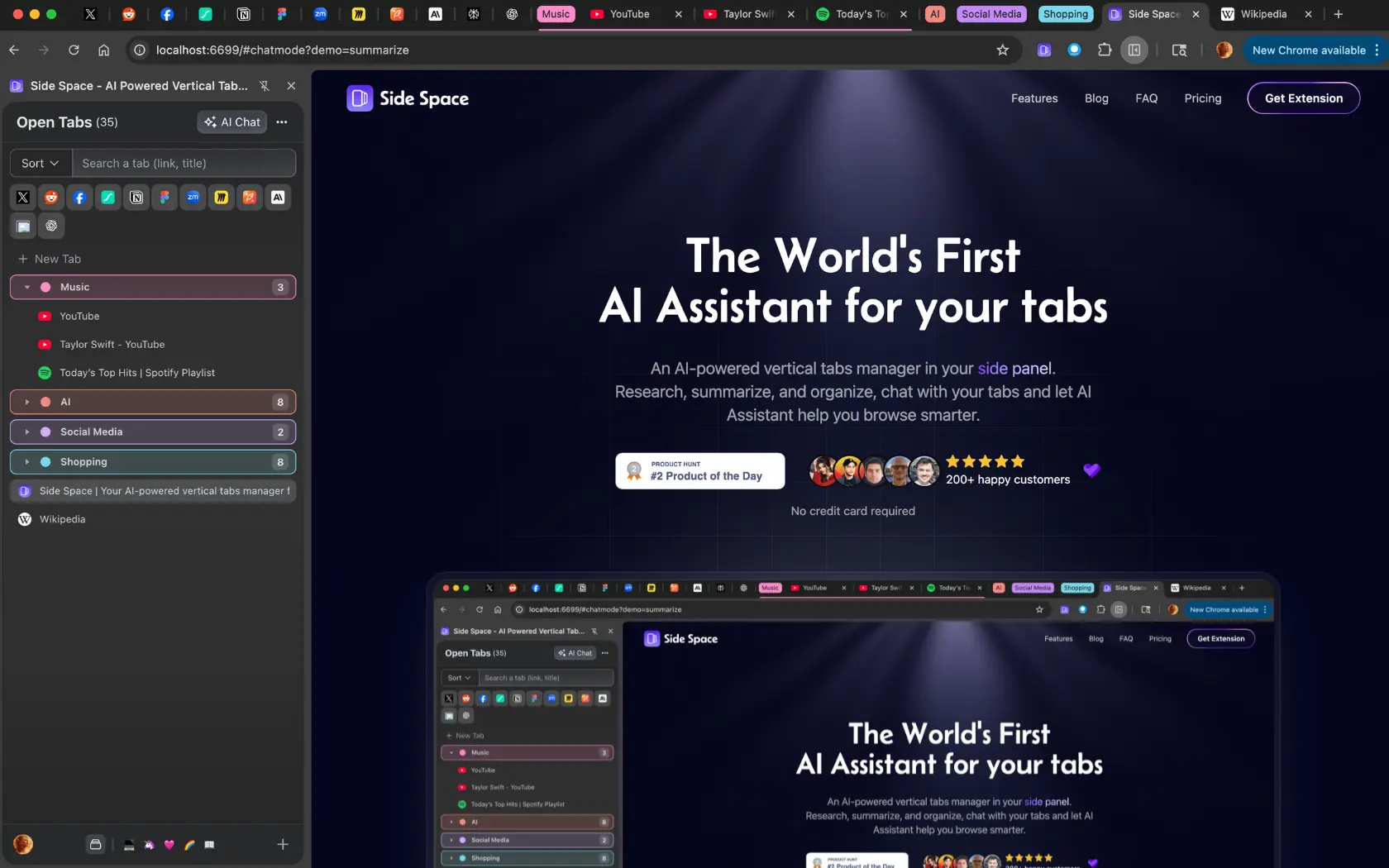
Your vertical tabs manager located in the side panel. Alternative to Arc's Sidebar/Edge's Vertical Tabs.
Side Space gives you more control over your web browsing experience by effectively managing multiple tabs at once.
🚀 How do vertical tabs work?
Enabling vertical tabs moves your open tabs from the top of your browser window to the left side. This displays tabs vertically (stacked one on top of the other) instead of horizontally.
✨ Key Features
| Feature | Description |
|---|---|
| ⚡️ Tab Management | Efficiently manage tabs and tab groups with a vertical panel |
| 🗂️ Space Organization | Drag & drop to reorder and reorganize tabs and tab groups |
| 🔄 Mirrored View | See your open tabs in a mirrored vertical display |
| 🔍 Fuzzy Search | Quickly find tabs across your browser |
| 🧹 Tab Suspension | Save memory by suspending inactive tabs |
| ☁️ Cloud Sync | Cross-browser synchronization with a single login |
| 🌛 Dark Mode | Full support for dark theme |
💾 Backup & Sync Solutions
- 📑 Save your session as a JSON file
- ☁️ Cloud sync by login
🧠 Smart Features
- ✨ AI-powered Tab Grouping
- 🔗 Group Guardian: Auto-group tabs with matching URLs
👍 Why Choose Vertical Tabs?
Vertical tabs effectively:
- Reduce browser window clutter
- Maximize on-screen space
- Enhance tab visibility for easier identification
Note: Side Space requires Chrome version 114 or above.