1) Vertical Tabs that actually stay readable
When tab titles matter, a vertical list beats tiny favicons.
- -Easier scanning
- -Less mis-clicking
- -Better for long sessions (research, writing, planning)
Vertical tab list optimized for high-tab workflows.
Vertical Tabs for Chrome
Stay organized when you are working with 30+ tabs. Side Space brings an Arc-inspired sidebar workflow to Chrome so tab management feels calm and structured.
Vertical tabs sidebar
Scan titles faster and switch with less friction when your tab list grows.
Spaces for projects
Separate work, study, and personal browsing into clean, dedicated contexts.
AI Grouping
Auto-group related tabs while you research so organization happens automatically.
A sidebar is better for tab-heavy work because full tab titles stay readable.
Tabs should become workspaces instead of disposable clutter. That is what Spaces are for.
Organization should feel effortless, and AI Grouping helps reduce manual sorting.
When tab titles matter, a vertical list beats tiny favicons.
Vertical tab list optimized for high-tab workflows.
Spaces let you treat sets of tabs like work contexts.
Examples:
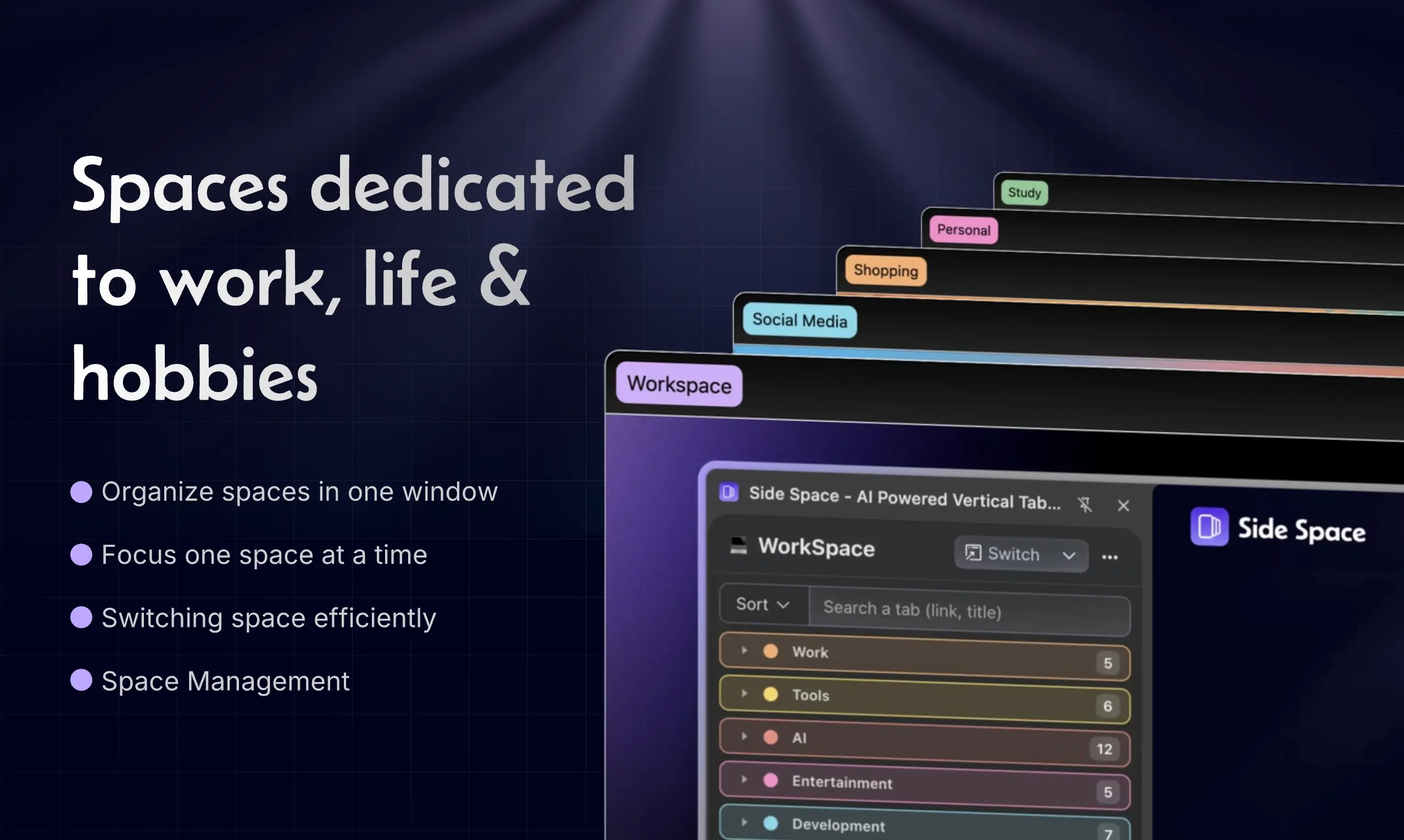
Separate spaces keep contexts clean and focused.
Pick up where you left off. Keep your spaces consistent across machines.
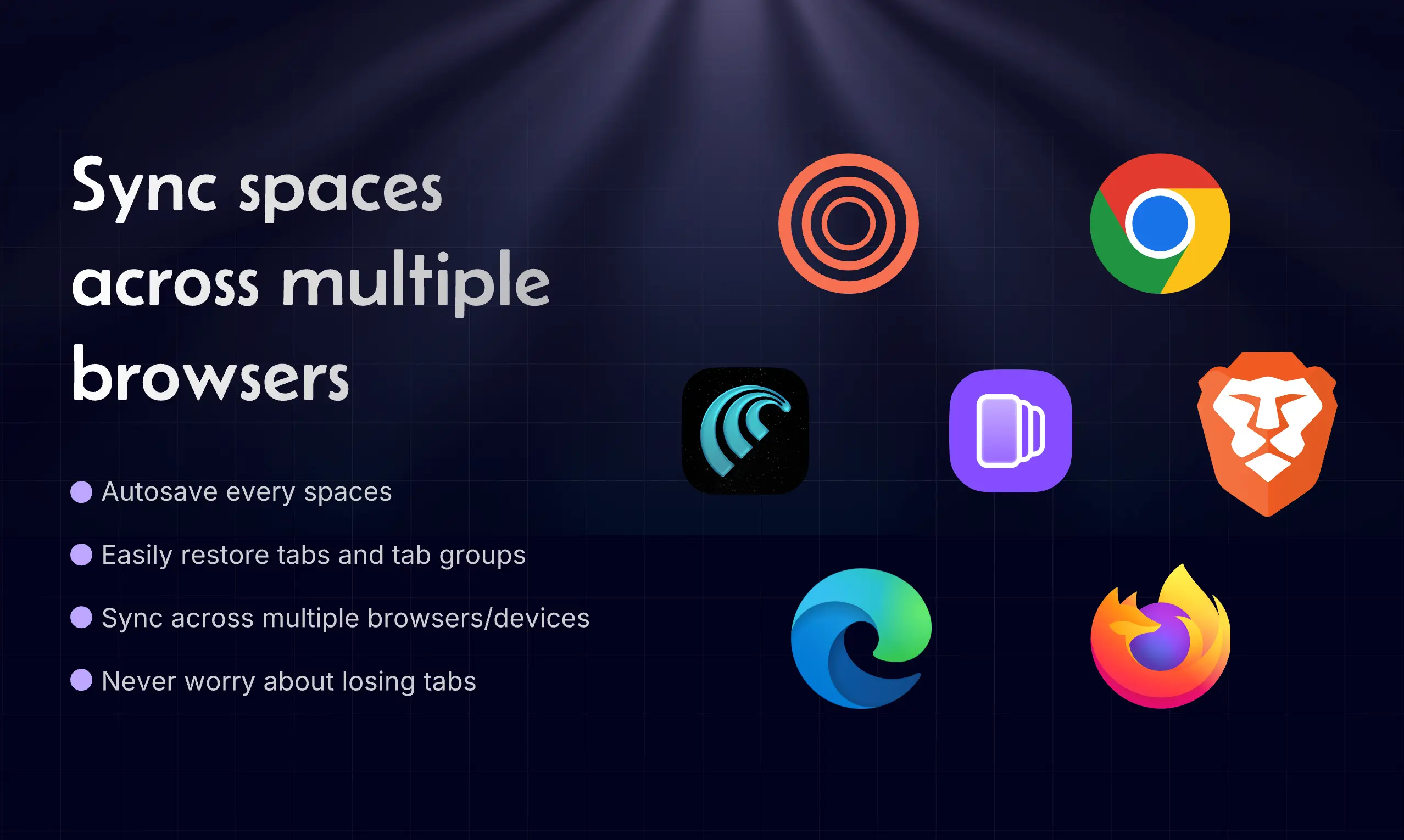
Keep your setup consistent across machines.
When you open a bunch of pages from search results, docs, or competitor research, AI Grouping helps cluster related tabs-so you can move from "collecting" to "executing."
Common flows
Auto-grouping helps you shift from collecting to execution.
Side Space helps different workflows stay focused with clear project contexts and faster tab operations.



See detailed comparisons with browser-native vertical tabs and sidebars. Pick the setup that matches your workflow.
Comparison
Compare Arc-style sidebar workflows with Side Space on Chromium browsers.
Read comparison ->
Comparison
See how Brave native vertical tabs differ from Side Space features and flexibility.
Read comparison ->
Comparison
Explore differences in tab organization, AI grouping, and cross-browser workflows.
Read comparison ->
Comparison
Understand trade-offs between Vivaldi panel controls and Side Space automation.
Read comparison ->

Get Side Space for free and organize your Chrome workflow with vertical tabs, project spaces, and AI grouping.