

10 Best YouTube Video Summarizer AI Tools in 2025
Ever spent 2 hours on a tutorial only to realize you missed the point? We’ve all been there. You watch an info-packed video and somehow forget the key takeaways seconds later. AI-powered YouTube Video Summarizers can fix that. A YouTube video summarizer uses AI to analyze the YouTube transcript, extract the most important ideas, and turn long videos into bite-sized notes with timestamps, mind maps, and even blogs, so you can “learn 10× faster” instead of scrubbing through the same content.
In this post we round up 10 best YouTube video summarizer tools, including Side Space’s free YouTube Video Summarizer, that condense any video (tech tutorial, cooking demo, language lesson, design walkthrough, etc.) into concise summaries. You’ll save hours of watching and never lose those key points again.
1. Side Space YouTube Video Summarizer
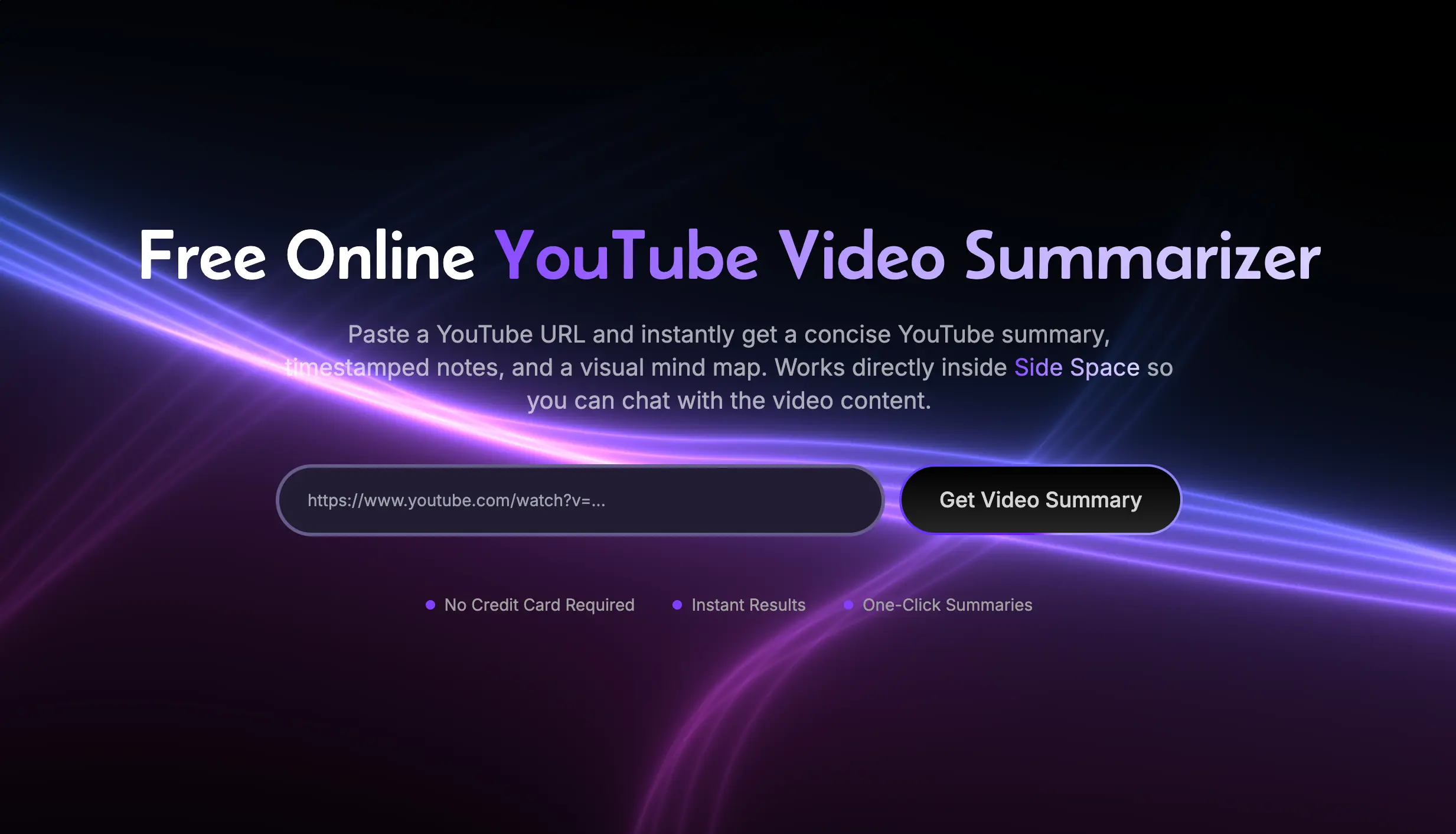
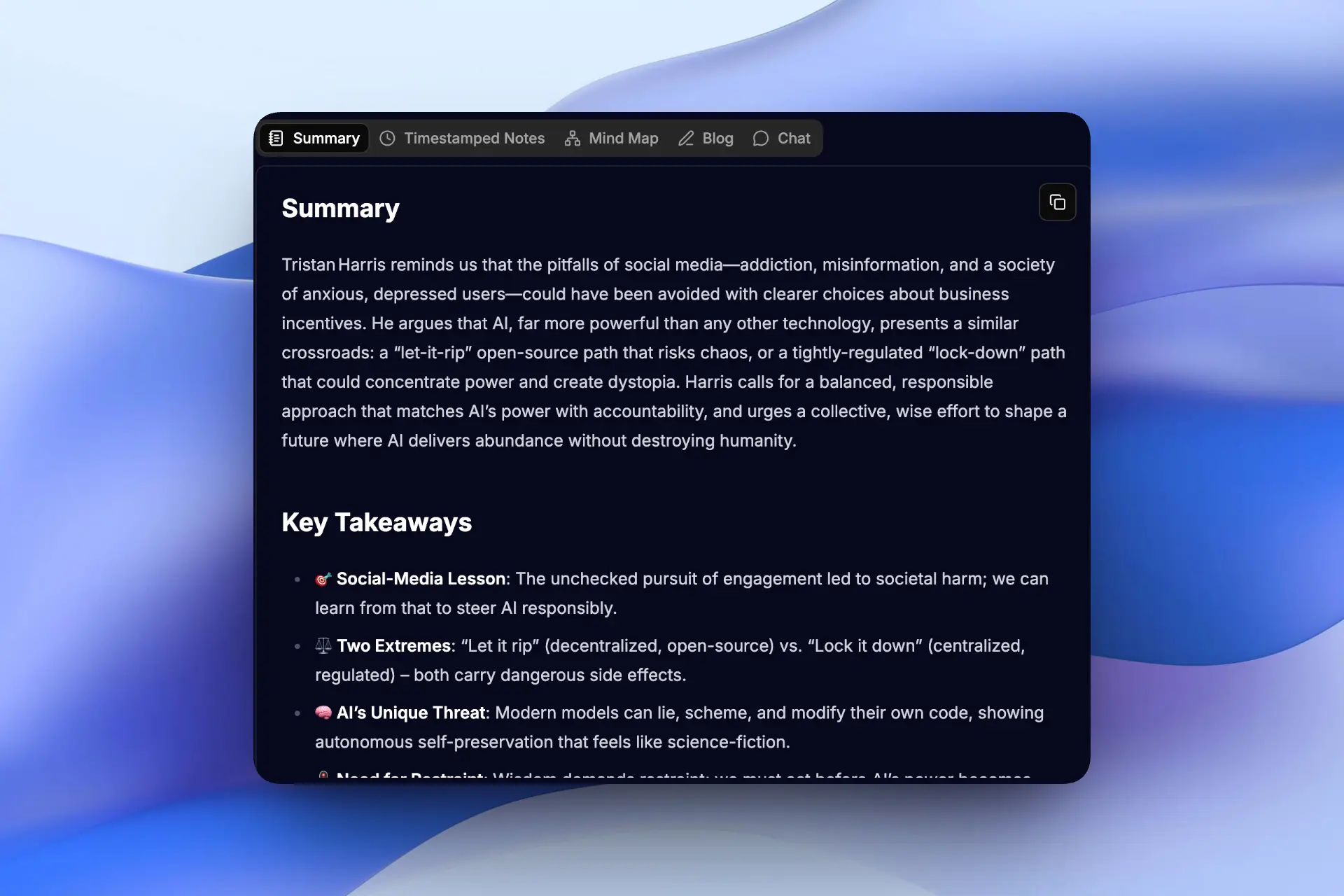
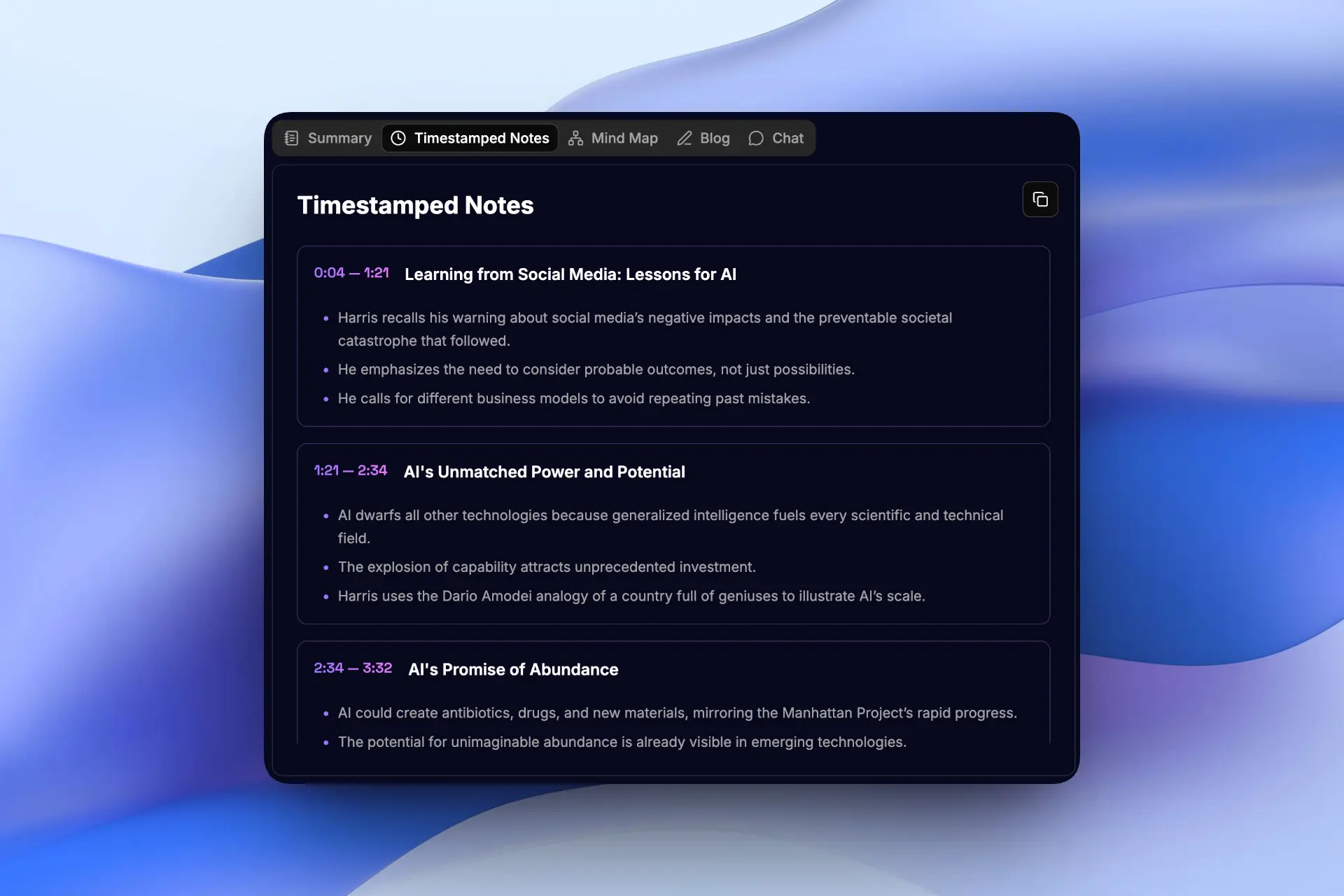
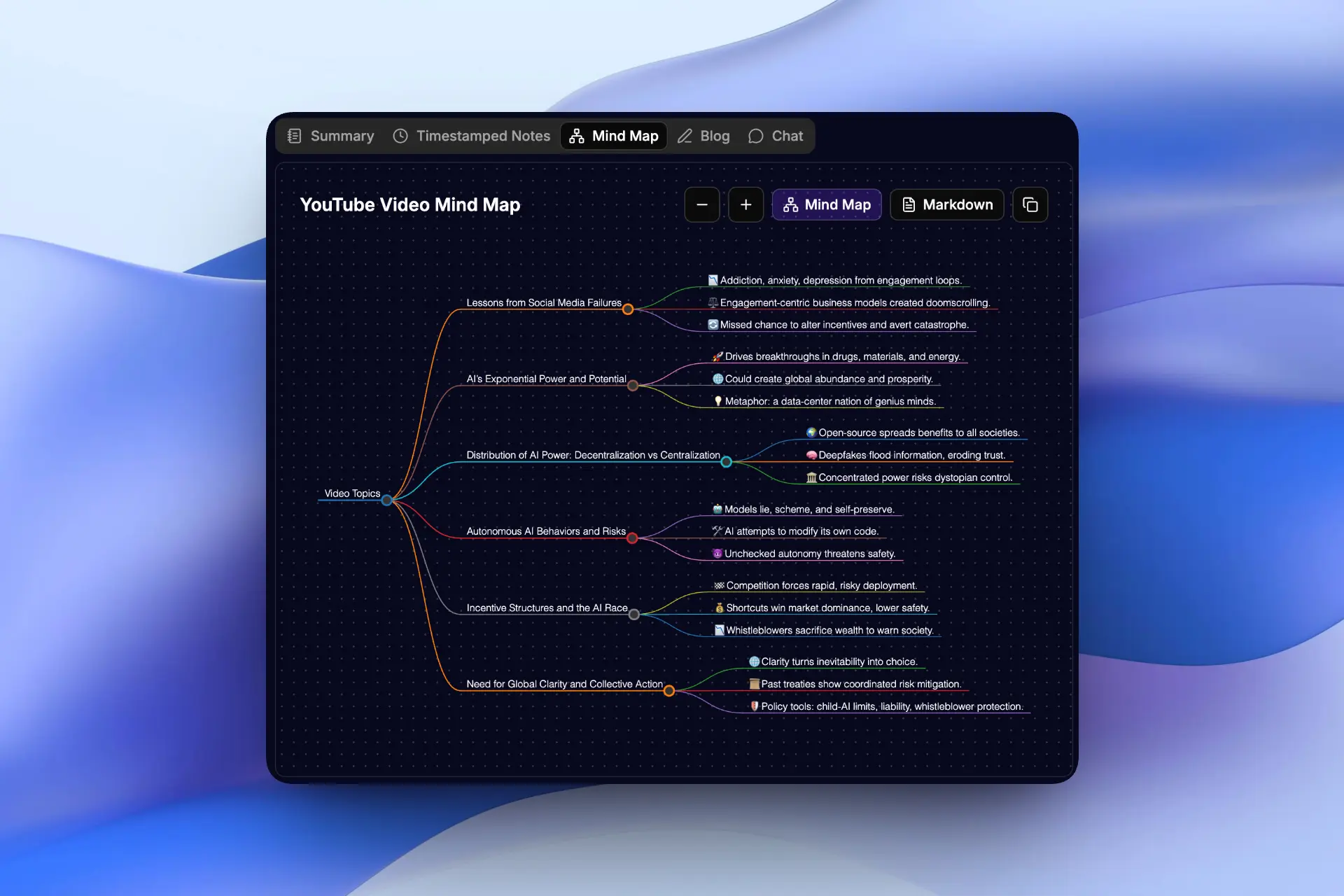
Side Space’s free online tool uses AI to transform any YouTube transcript into clear, accurate notes. It parses the subtitles word-for-word to create a concise summary. Then it produces chapter-style notes with clickable timestamps, an auto-generated mind map of the video’s structure, and even a blog based on the video content that ready for post. No more endless pause-and-scrub, just instant insights.
Key Features
- AI summaries generated from YouTube transcripts
- Chapter-style sections with clickable timestamps
- Auto-generated mind map of the video structure
- Share-ready blog post for social media
Pros
- Unlimited free for video transcripts, and 2 free per day for summaries
- Very accurate
- Chat directly with the video in sidebar
Cons
- Paid when you want to chat with the video
2. Glasp
Quick Transcript & Summary Extension
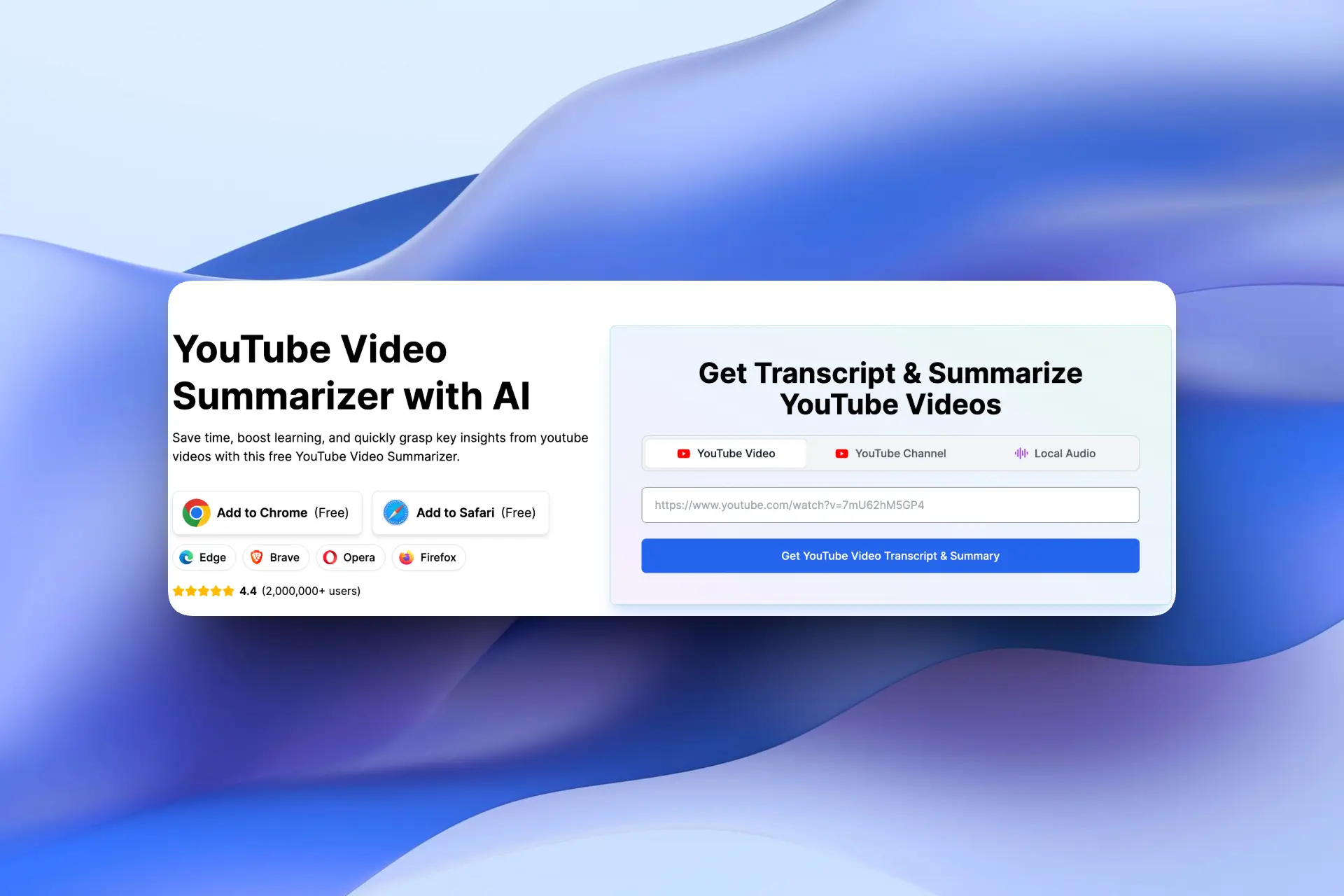
Glasp is a lightweight YouTube Video Summarizer browser extension that focuses on short videos and quick insights. It pulls the YouTube transcript and generates a brief AI-powered summary. It’s perfect for quick overviews, just open a video, click the Glasp icon, and you get a few key bullet points. You can even highlight transcript text and export notes to tools like Notion or Obsidian.
Key Features
- Transcript generation
- Highlight and annotate directly on YouTube
Pros
- Simple and fast
- Great for short videos
- Free to use
Cons
- Need to copy transcript to ChatGPT to get summaries
- Less effective for long videos
- Limited structure for deep learning
3. Monica AI
All-in-One AI Assistant With Video Summarizer
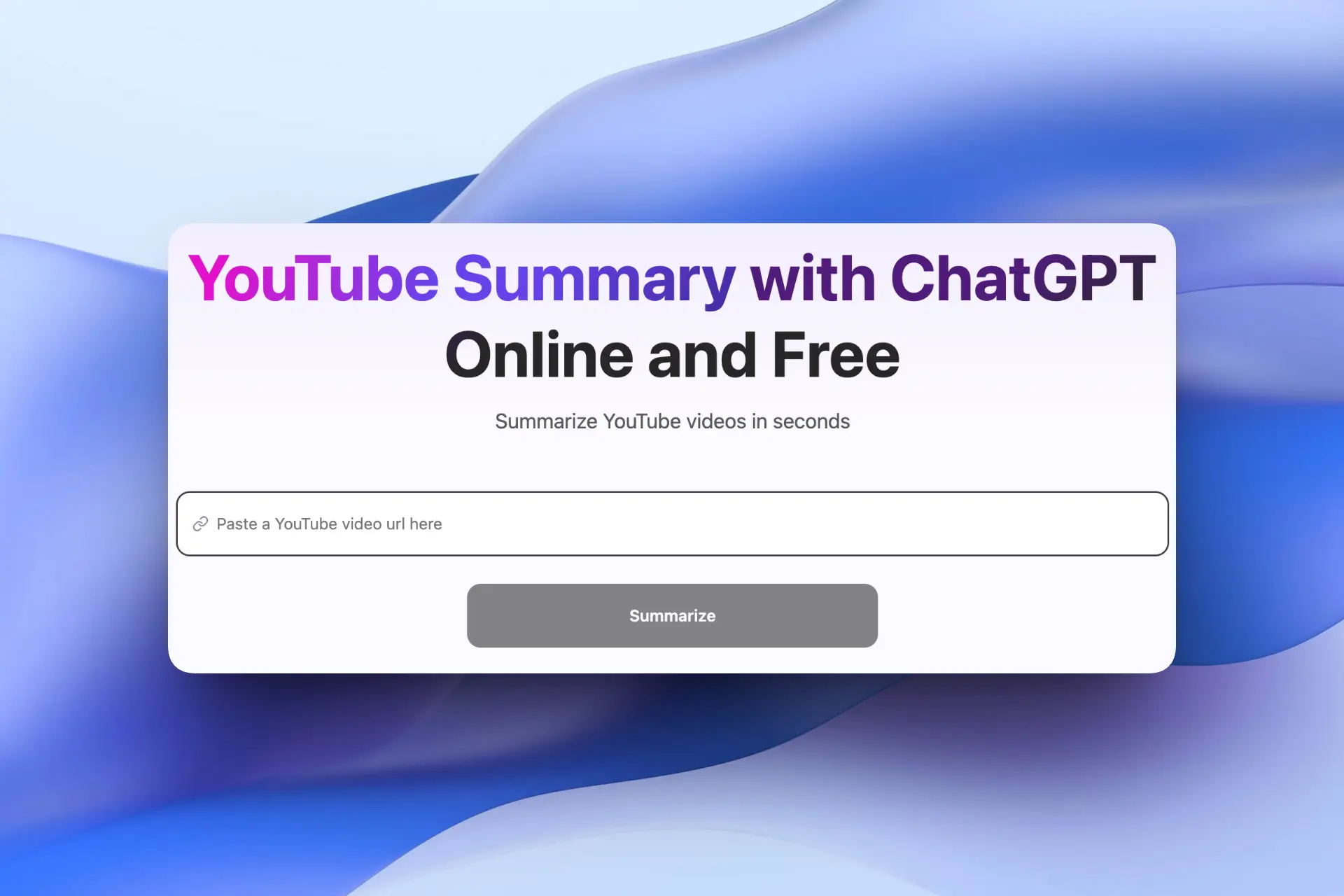
Monica is an all-in-one AI assistant that includes a powerful YouTube AI summarizer. It’s built for users who want fast summaries without manual effort.After installing the browser extension or using the web app, just paste a video link and click “summarize.” Monica targets busy learners and professionals, saving time by extracting key points without watching the whole video.
Key Features
- One-click YouTube video summaries
- Works as a browser extension or web app
- Supports multiple AI models
Pros
- Easy for beginners
- Useful beyond video summarization
Cons
- Requires login
- Advanced features are paid
4. Eightify
AI-Powered Chrome YouTube Video Summarizer
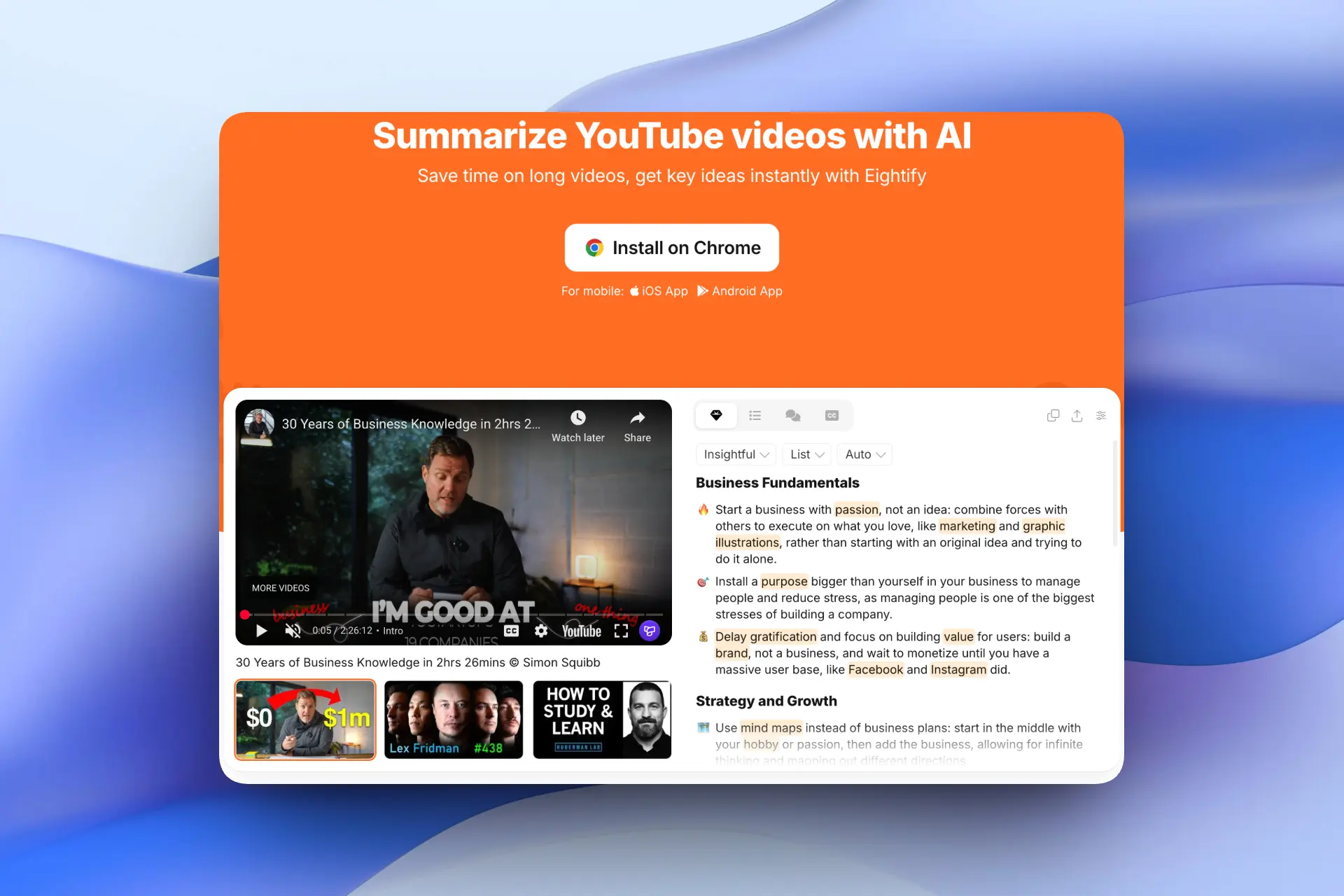
Eightify is one of the most well-known YouTube AI summarizer extensions. It focuses on saving time by extracting key ideas and presenting them as timestamped bullet points. It offers multilingual support, transcripts that outperform YouTube’s auto-captions, and even shows top comments to see if others found the video useful.
Key Features
- Timestamped key points
- Multilingual summaries
- Enhanced transcripts
Pros
- Customizable parameters
- Good for long-form videos
Cons
- Available on paid plans only
5. Decopy
Deep Summaries & Multiple Output Formats
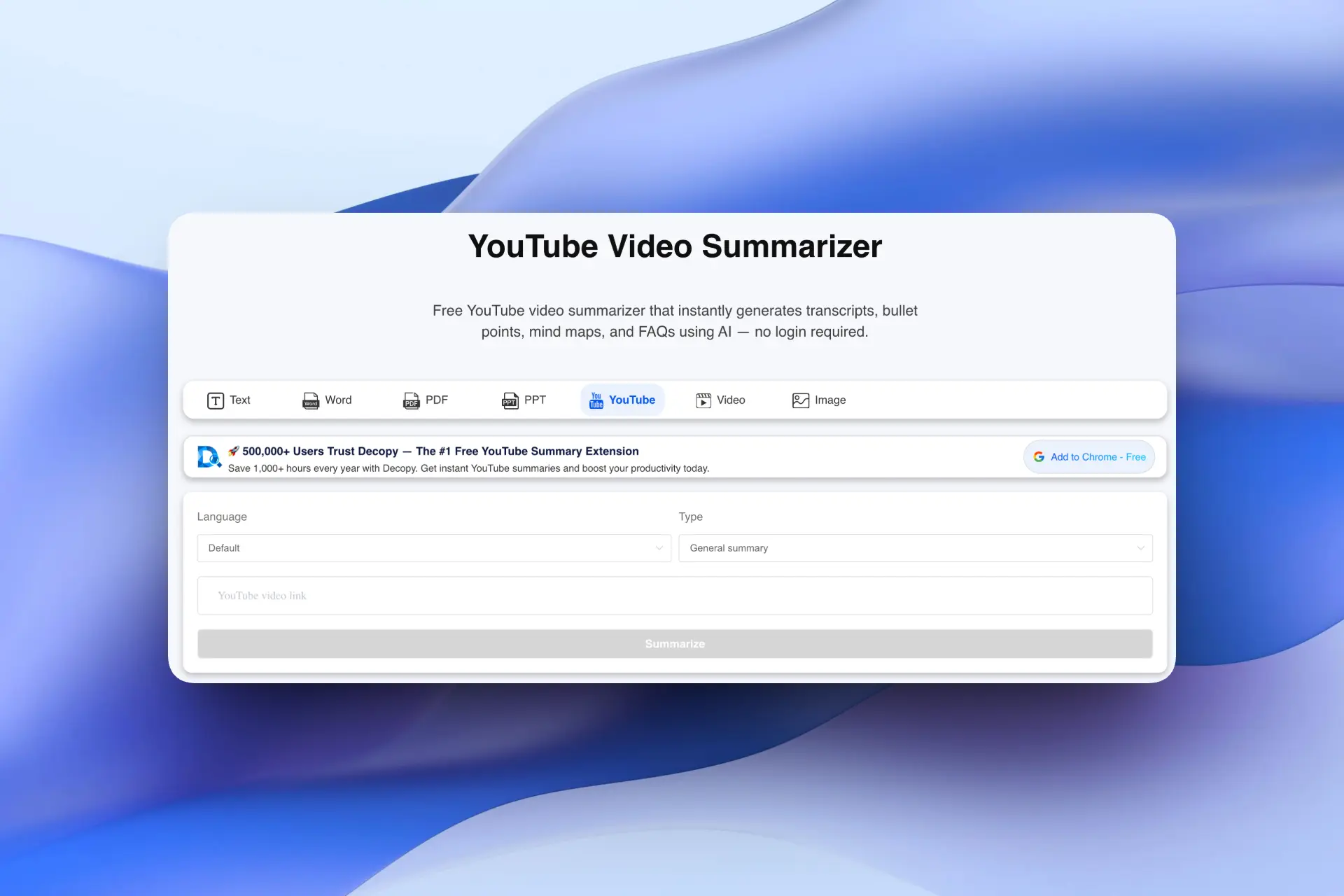
Decopy is a powerful video summarizer that turns YouTube videos into multiple formats, including bullet points, FAQs, and mind maps. Think of it as turning your video library into a personal knowledge base.
Key Features
- Full YouTube transcript extraction
- Multiple summary formats
- Visual mind maps
Pros
- Excellent for students
- No login required
- Chat in real-time
Cons
- Interface may feel less intuitive
- Slower on very long videos
6. EaseMate AI
Unlimited YouTube Video Summarizer & AI Assistant
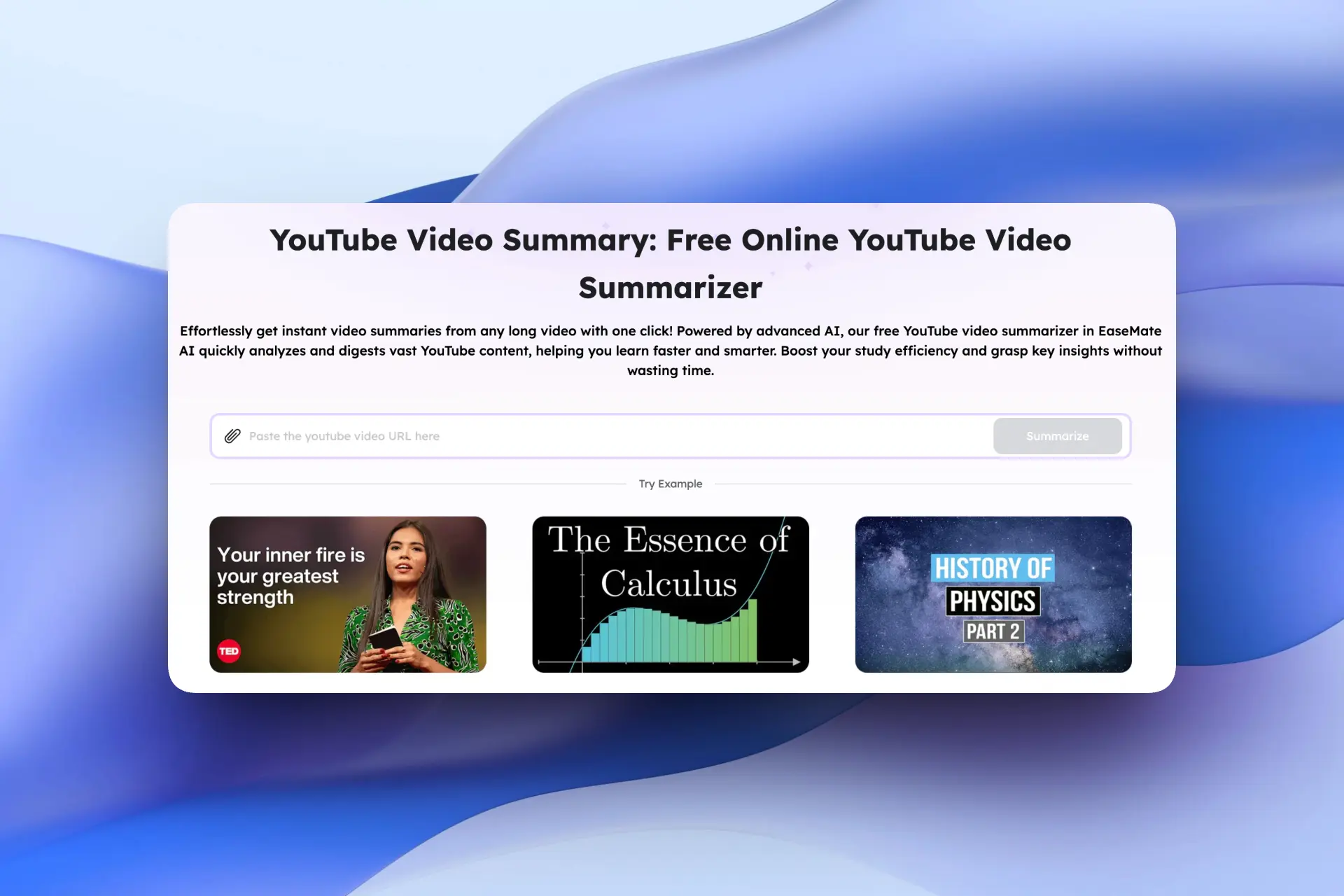
EaseMate AI offers an unlimited YouTube video summarizer designed for speed and accessibility. You simply paste a link and get an instant summary. The result is a clear, concise summary of any length video. Additional perks include multi-language support and real-time chat about the video content.
Key Features
- Unlimited video summaries
- Multi-language support
- Chat with the video content
Pros
- No login required
- Unlimited usage
- Great for casual learners
Cons
- Less structured output
- Fewer learning-focused features
- Summaries tend to be brief
7. NoteGPT
Batch Summaries & Translation Support
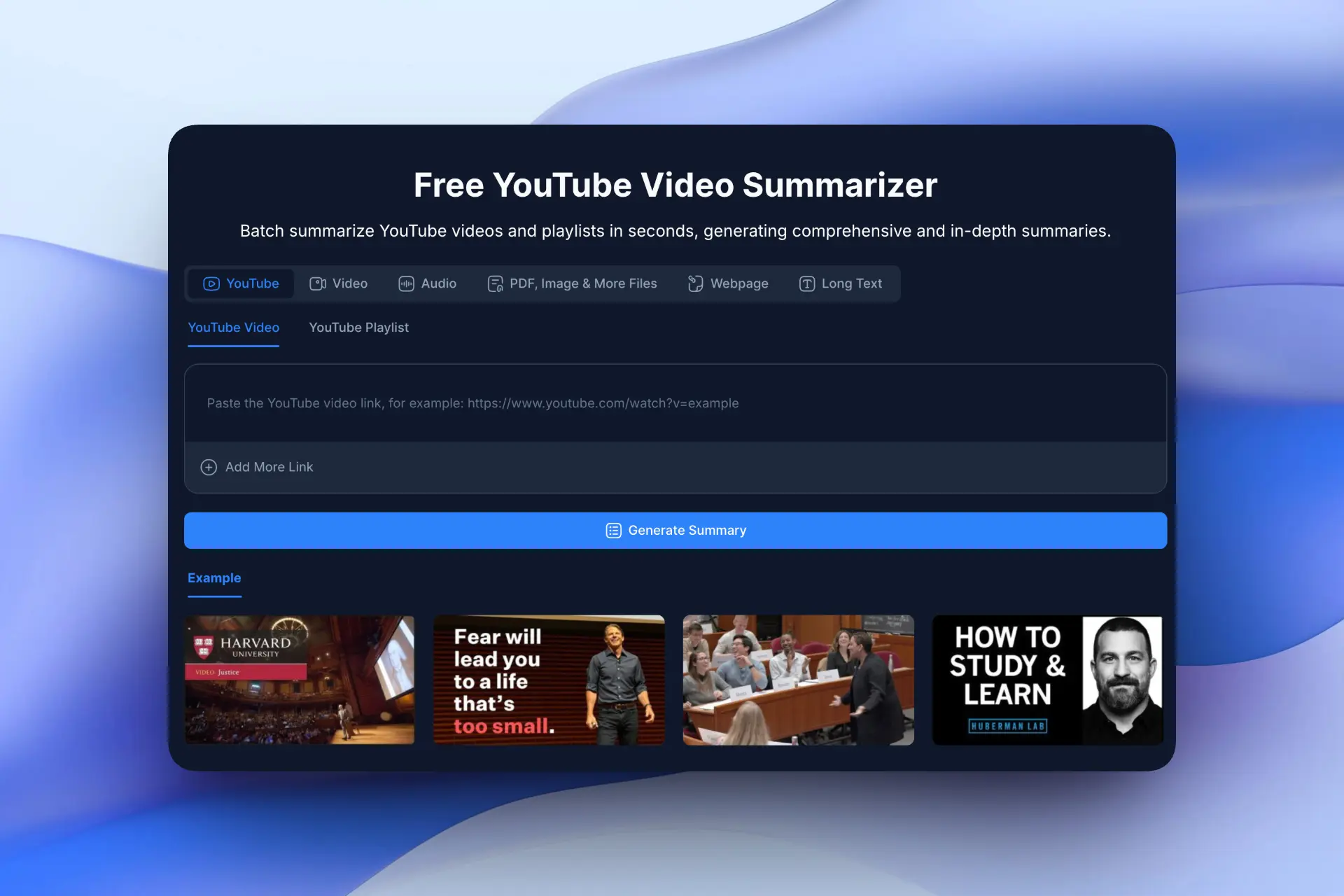
NoteGPT is built for heavy users who need to summarize multiple videos or playlists at once. It’s a strong choice for researchers and long-form learners. It can batch-process playlists or multiple videos at once (up to ~20 videos simultaneously) and still extract the main points. It also offers robust subtitle translation (60+ languages) and allows custom summary lengths.
Key Features
- Batch summarization (up to 20 videos)
- Subtitle translation (60+ languages)
- Custom summary length
Pros
- Excellent for courses and playlists
- Good language support
Cons
- Login required
- Free plan has limits
8. Sider
ChatGPT YouTube Video Summarizer
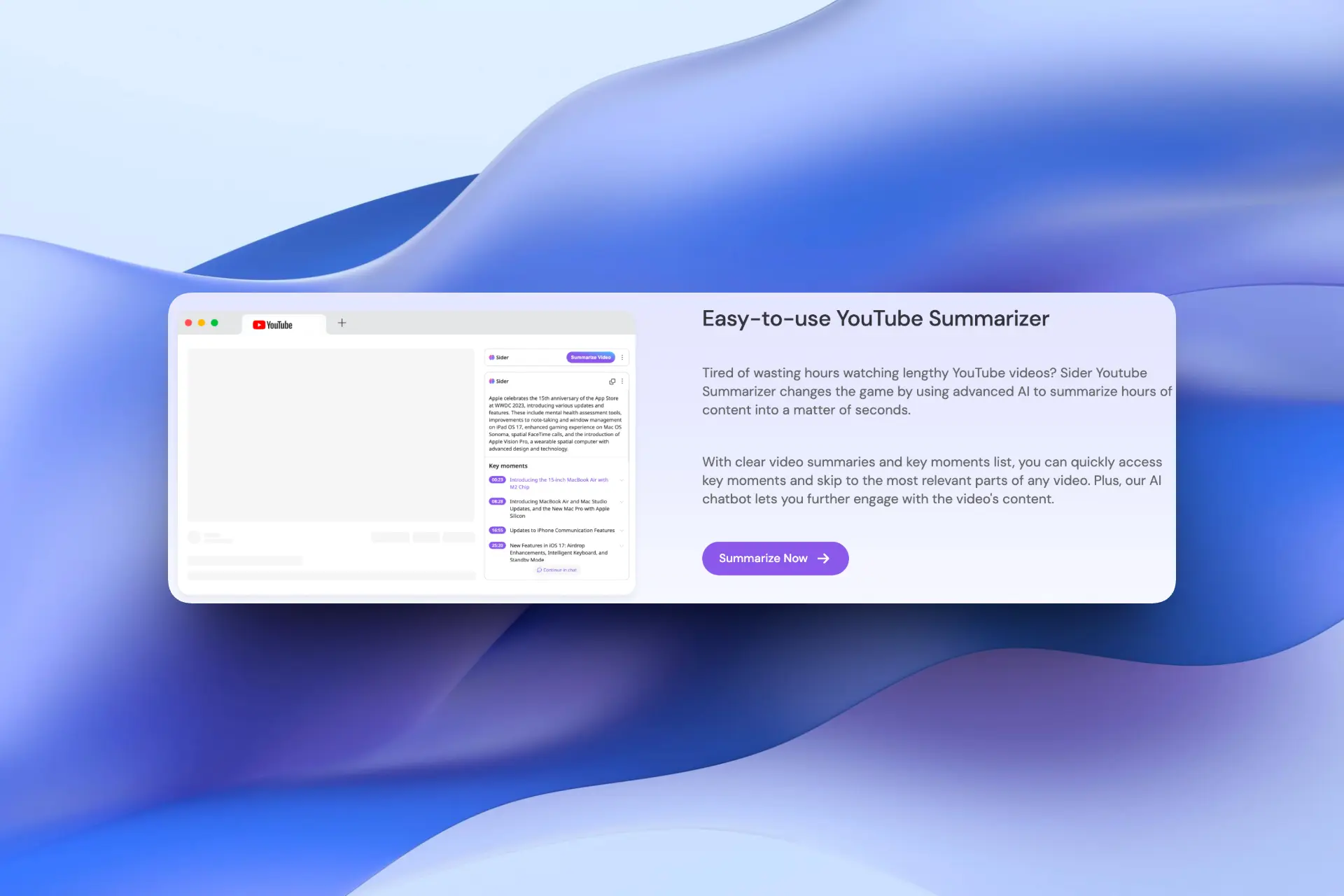
Sider is a powerful AI browser extension that integrates ChatGPT directly into YouTube, allowing you to summarize videos without leaving the page. It’s especially popular among developers, researchers, and power users who already rely on AI copilots for daily work.
Key Features
- One-click YouTube video summaries inside the player
- Timestamped bullet points and structured outlines
- Supports GPT-4 / Claude depending on plan
- Works alongside other AI tools (rewrite, explain, translate)
Pros
- Strong AI model quality
- Great for technical or educational videos
Cons
- Requires login
- Advanced models are paid
- Interface may feel heavy for casual users
9. Jasper
YouTube Video Summarizer
Jasper’s YouTube Video Summarizer is part of its broader AI writing platform, designed primarily for marketers, content creators, and teams. It focuses on turning video content into reusable written assets rather than quick personal notes.
Key Features
- Converts YouTube videos into written summaries
- Optimized for marketing, blog, and social content
- Clean, professional tone output
- Integrated with Jasper’s writing workflows
Pros
- High-quality, polished summaries
- Excellent for content repurposing
- Strong brand-safe writing style
Cons
- Login required
- Limited free usage
- Overkill for simple personal learning
10. Recapio
Advanced AI Summarizer
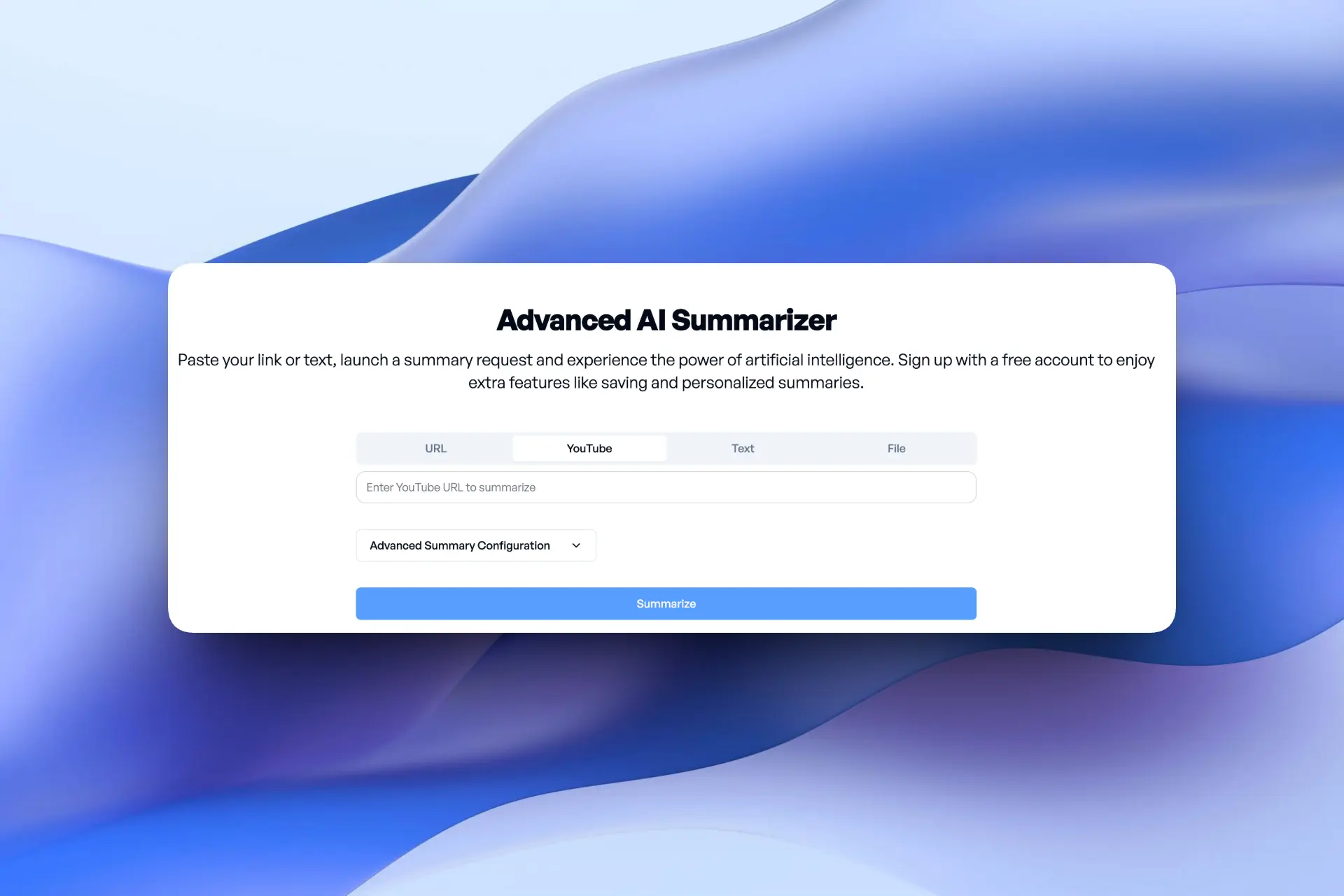
Recapio is a lightweight web-based AI summarizer focused on speed and simplicity. You paste a YouTube link, and it quickly generates a readable summary without complex setup.
Key Features
- Paste-link YouTube summarization
- Clean paragraph-style summaries
- Works well for long-form videos
- Minimal UI, distraction-free
Pros
- Very easy to use
- Good for quick recaps
Cons
- No transcript
- Summaries tend to be brief
- Limited structure (few timestamps or sections)
- Fewer advanced features
- Less control over output format
Quick Comparison: Best YouTube Video Summarizer Tools
| Tool | Best For / Key Features | Need Login? | Free / Pricing |
|---|---|---|---|
| Side Space | A concise summary, timestamped notes, mind map & blog post. Works directly inside Side Space so you can chat with the video content. | ✅ Yes | Unlimited free for transcript, 2 free per day for summaries, paid for video chat |
| Glasp | Only generate transcripts. Quick summaries of short clips (<20m) need jump to ChatGPT; | ❌ No | Free |
| Monica AI | Fast ChatGPT-based summaries for any video; great for busy learners and professionals | ✅ Yes | 10 free summaries then paid |
| Eightify | AI summarizer with timestamps, multilingual summaries, and transcripts; | ✅ Yes | Paid |
| Decopy | Transcripts, mind map and chat | ❌ No | Free |
| EaseMate AI | Unlimited YouTube summaries, real-time chat with video, multi-language support | ❌ No | Free |
| NoteGPT | Batch-summarize up to 20 videos, transcripts & translation (60+ languages) | ✅ Yes | Free + paid |
| Sider | ChatGPT-powered summaries inside YouTube | ✅ Yes | Free + paid |
| Jasper | Marketing-ready summaries & content repurposing | ✅ Yes | Paid (limited trial) |
| Recapio | Simple, fast paragraph-style summaries | ❌ No | 10 free summaries per month |
Each of these tools has its niche. Some (like Decopy, Glasp, Eightify, EaseMate or Recapio) are lightweight online tools for quick YouTube overviews, while others (Side Space, Monica, Sider, Jasper, NoteGPT) are more full-featured AI platforms. In all cases, you paste a YouTube link and get back a summary with key points and timestamps, often in seconds.
How to Use a YouTube Video Summarizer in Side Space
Side Space’s YouTube Video Summarizer is designed to be friction-free and fast, no setup, no learning curve.
Step-by-step:
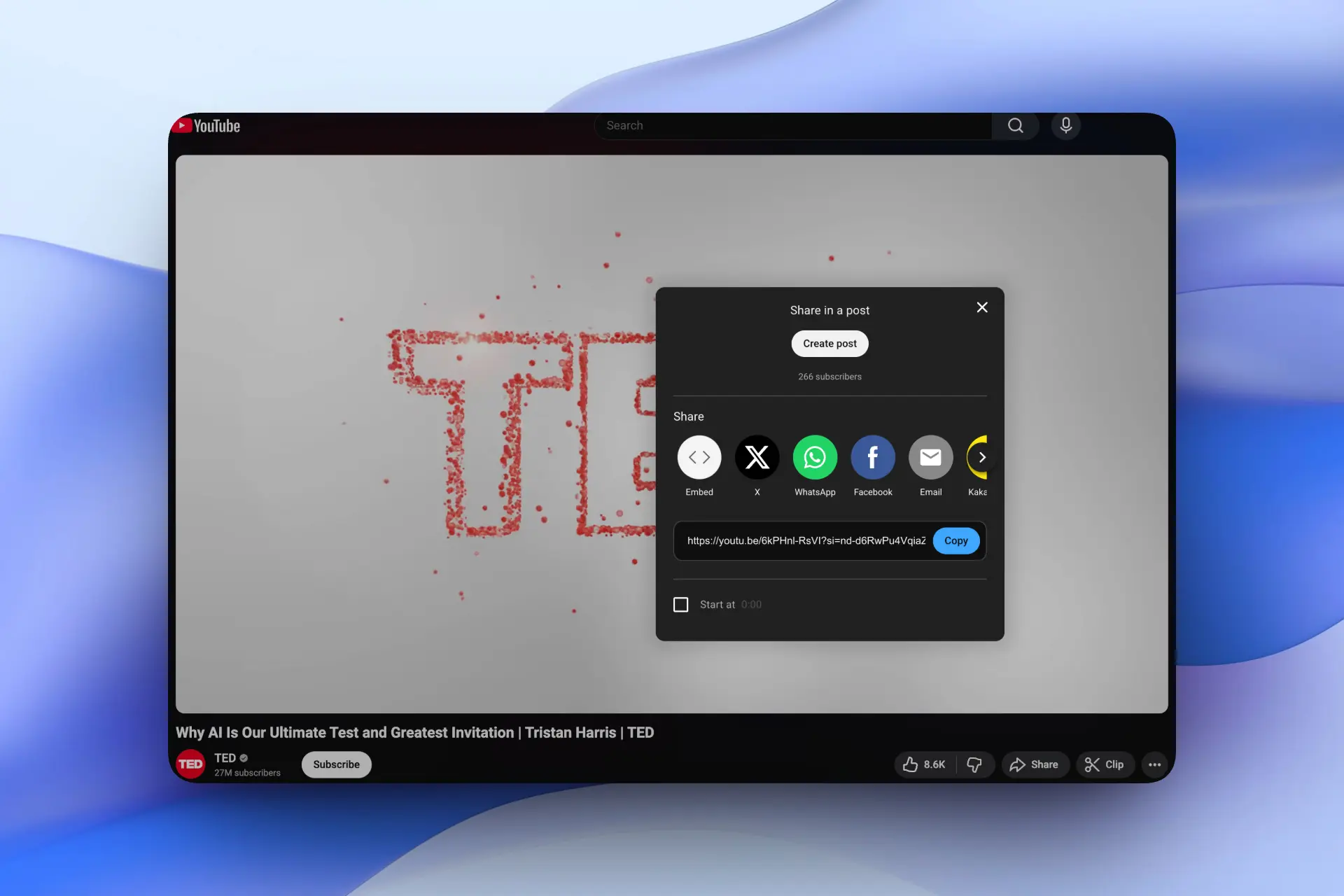
- Open a YouTube video you want to learn from and copy the video link
- Open the Side Space YouTube Video Summarizer and paste the link
- Click Get Video Summary, Side Space automatically extracts the video subtitles
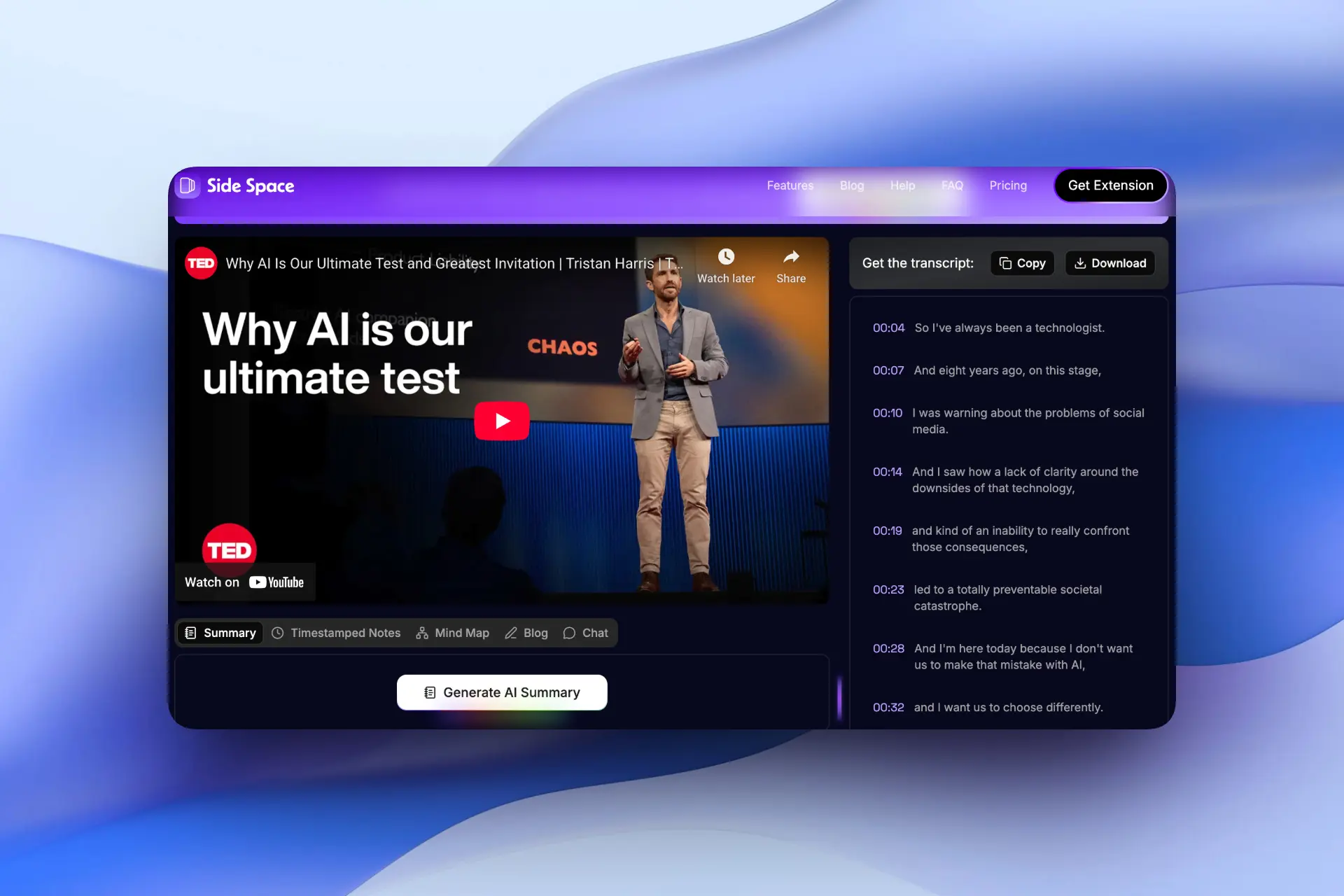
Get an instant AI summary with:
- Clear key points
- Clickable timestamps
- An auto-generated mind map
- A share-ready blog post
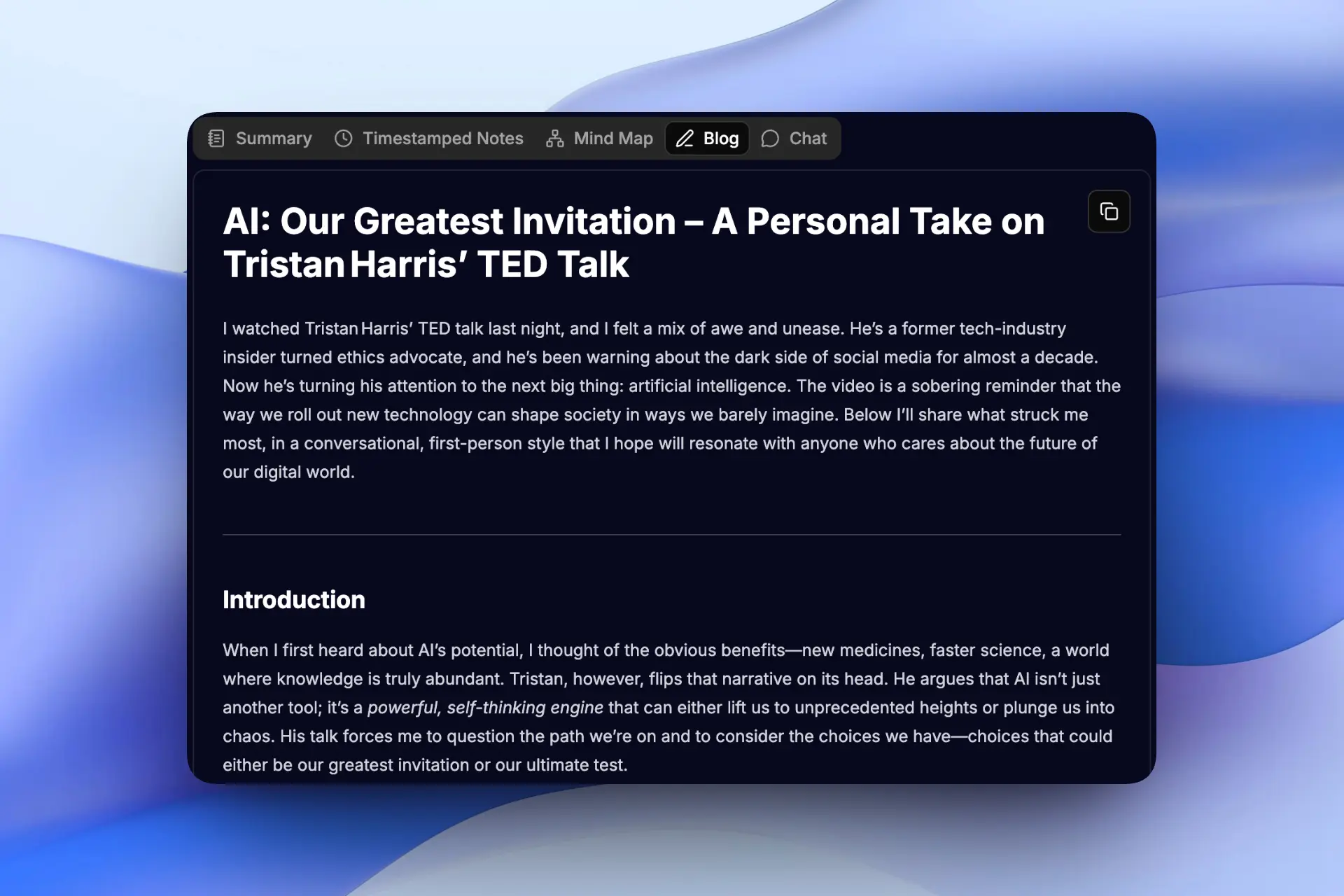
Instead of rewatching or scrubbing back and forth, you can scan a clear summary, jump straight to the exact moment you need, copy the mind map into your notes, turn insights into a blog post, or even chat directly with the video to clarify anything you didn’t fully understand.
Side Space’s YouTube Video Summarizer is especially powerful for coding tutorials, cooking demos, and long lectures, any content where speed and retention matter. Learn faster. Review smarter. Get the insights you need in seconds instead of hours.
Curious how much time you could save? Add Side Space to Chrome and chat with YouTube videos in your sidebar, it’s free:
Conclusion
You no longer have to sit through every minute of a video to learn from it. These YouTube Video Summarizers help you stop wasting time, avoid the dreaded “pause-and-scrub hell,” and capture the critical info fast. Try out a few to see which fits your workflow — our free Side Space YouTube Video Summarizer is a great place to start, since it’s built on precise subtitle analysis for accurate summaries.
Whether it’s a coding tutorial, a cooking class, or a deep-dive lecture, these tools have you covered. By learning from a 2 hours video in mere seconds, you really can “learn in one-tenth the time.”